Hi community,
To tackle sGTM container size limits head-on, we are removing Log functionality from all Stape templates in the GTM Template Gallery. Stripping it out reduces template sizes by an average of ~1.5% per template type, giving your containers immediate breathing room.
Every kilobyte counts when managing complex server-side setups. As the largest contributor to the community gallery (134+ templates and counting), we at Stape realized we’ve actually contributed to this container weight problem ourselves.
Our focus is on making sGTM as lean and efficient as possible. After much internal deliberation, we’ve decided that removing this redundant code is the best course of action.
Logging stays
Logging is crucial, but since Stape infrastructure already has native logging baked directly into the platform, keeping that code inside the template just adds unnecessary weight.
You won’t lose any capability either – if you need to route logs to custom destinations, we now offer a dedicated log export feature to handle this seamlessly at the platform level: https://stape.io/solutions/logs
For those who want to keep the Log functionality for a longer time, you can skip the tag updates proposed in the GTM interface.
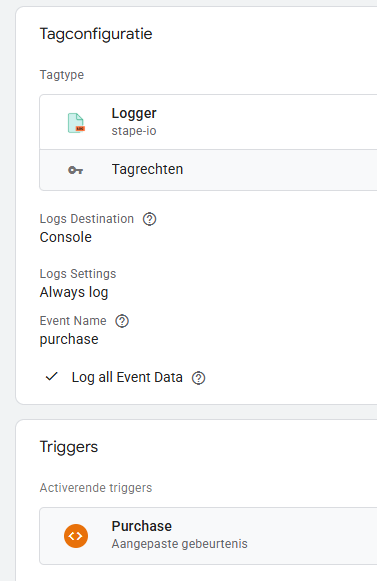
For BigQuery logging, you can consider using Stape’s Logger tag from the Template Gallery.
Rollup roadmap
We are rolling this change out in three distinct phases. Please note: while Phase 1 is happening immediately, timelines and specific groupings for subsequent batches are subject to change.
-
Batch 1 (Live): All variable templates. You will see the update notifications appear in your workspace today.
-
Batch 2 (Estimated next week): The majority of Stape’s tag templates.
-
Batch 3 (Date TBD): Core advertising platform tags (Facebook, TikTok, Snap, LinkedIn & Reddit).
We’d love to hear your thoughts on this update. Please leave your feedback, questions, or observations on how this impacts your container sizes in the comments below!
Best,
The Stape Team