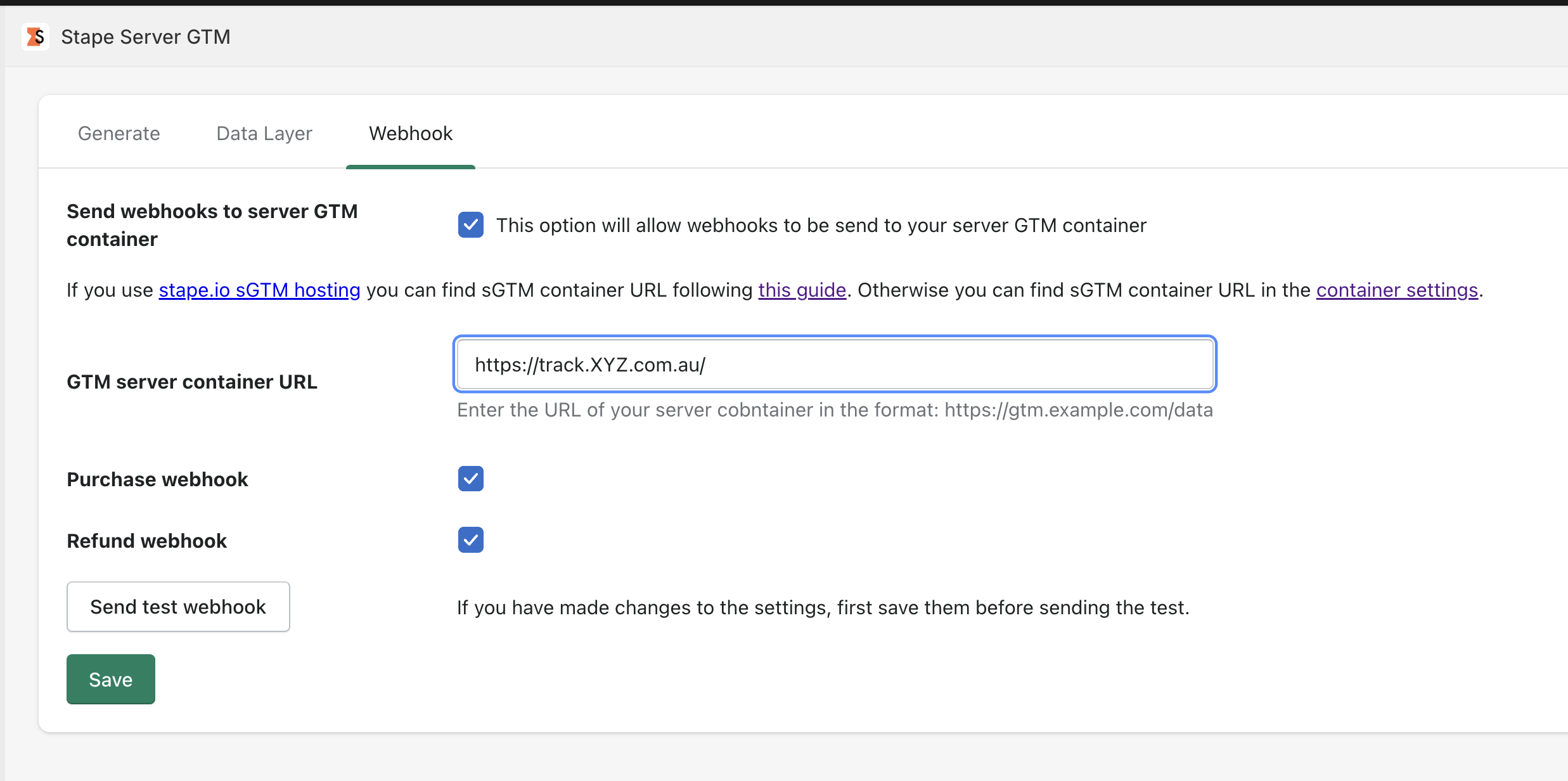
Hey,
I know this might sound like a stupid question, but how does this screen work?
I mean…app will send webhooks to the URL you specify, not sure what’s the ask here 
Hey @Dan
Sorry I know super basic question.
I set this up, but i cant see the events in my log, so not sure if I have set them up correctly or they dont go into logs?
@Chris_Bradley You need to enable the Power-up of “sGTM Preview header config” in order to see the request in the Preview Tab. Here’s more info: Use server GTM preview header to see all incoming requests - Stape - You need to also use the “Data Client” to receive the data from the webhook. Remember to add the /data path (for example), to your server container URL.
Legend, I think this is the part I have been missing. cheers.
Hey @Dan, checking this topic because I’m facing a big problem
Someone in the chat said that “You need to also use the “Data Client” to receive the data from the webhook. Remember to add the /data path (for example), to your server container URL.”
But what’s the path for receiving that Purchase webhook? I mean, when I run the PREVIEW, I get the purchase_webhook event and the hit to GA4 gets sent correctly, however, the webhook doesn’t work on production!
And I don’t know why, I tried adding in my Stape Client these paths:
/
/purchase_webhook
And nothing
Thank you 
u wont see that in production. U have to use sgtm preview, configure it properly and then let it run. If u are not really flexible in sGTM trackings u probably wont do it.
Stape have webinar about using webhooks, thats not perfect one, but it shows how it work