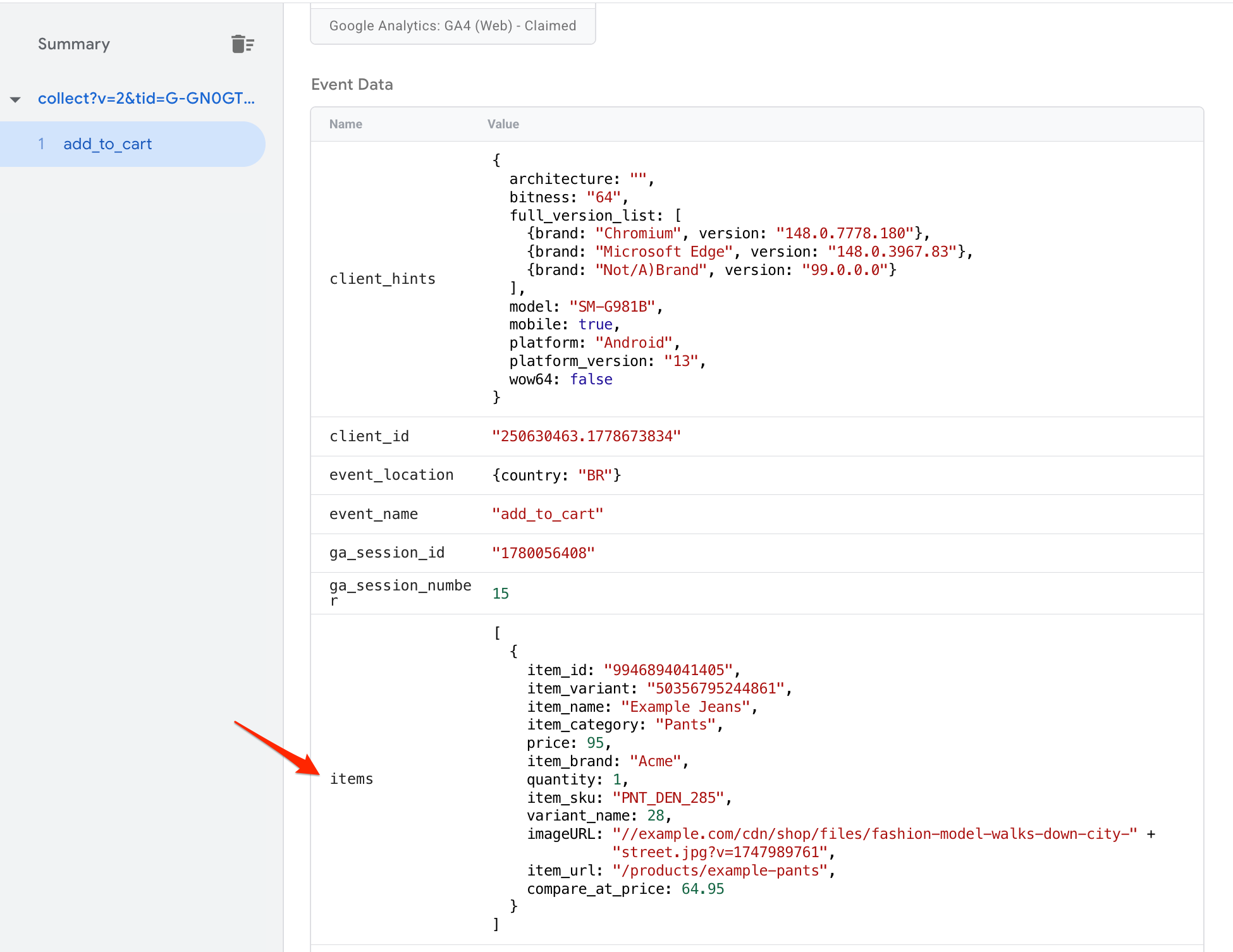
We’re trying to use a sGTM custom template variable that parses out specific parameters from the standard “items” array in event data, to send to Meta via CAPI (this has to be done in this setup).
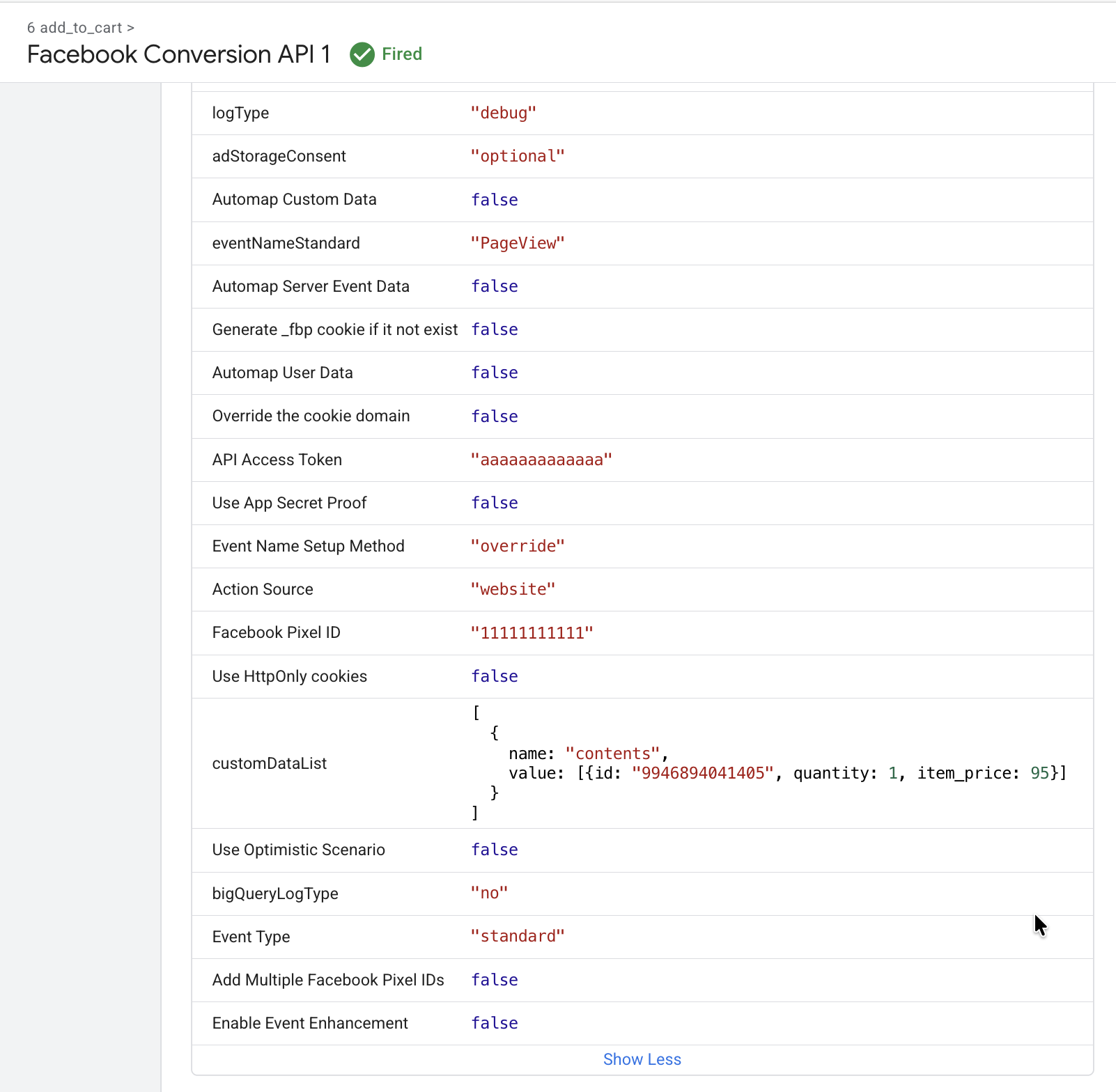
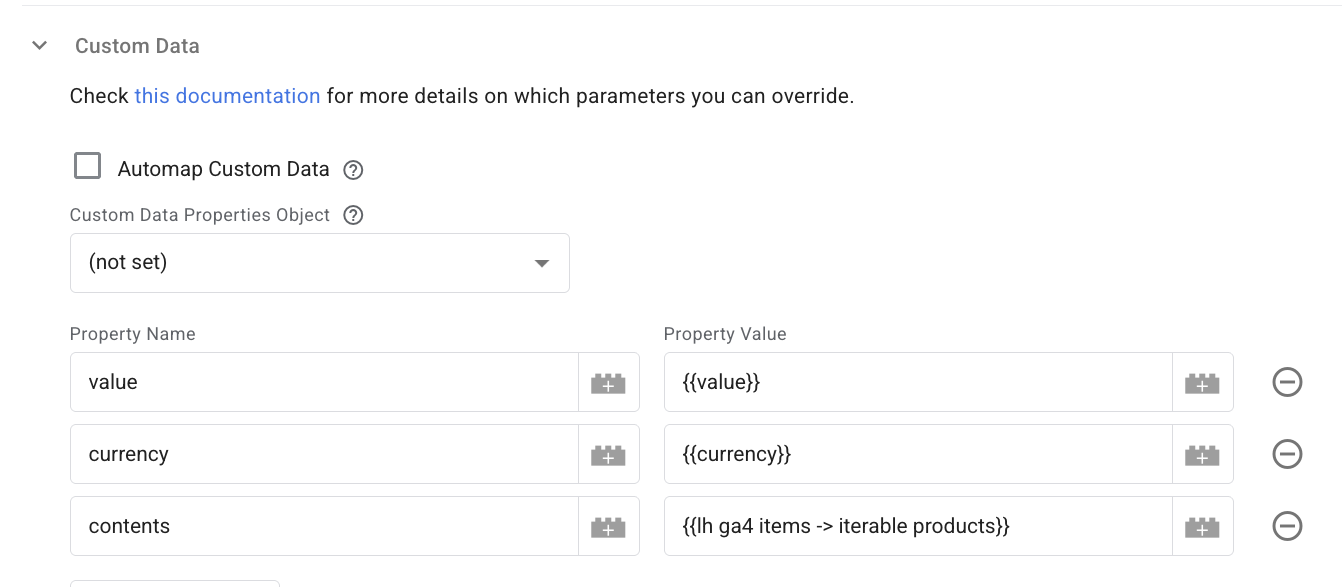
We apply that variable to the “contents” property in the custom data list in the tag.
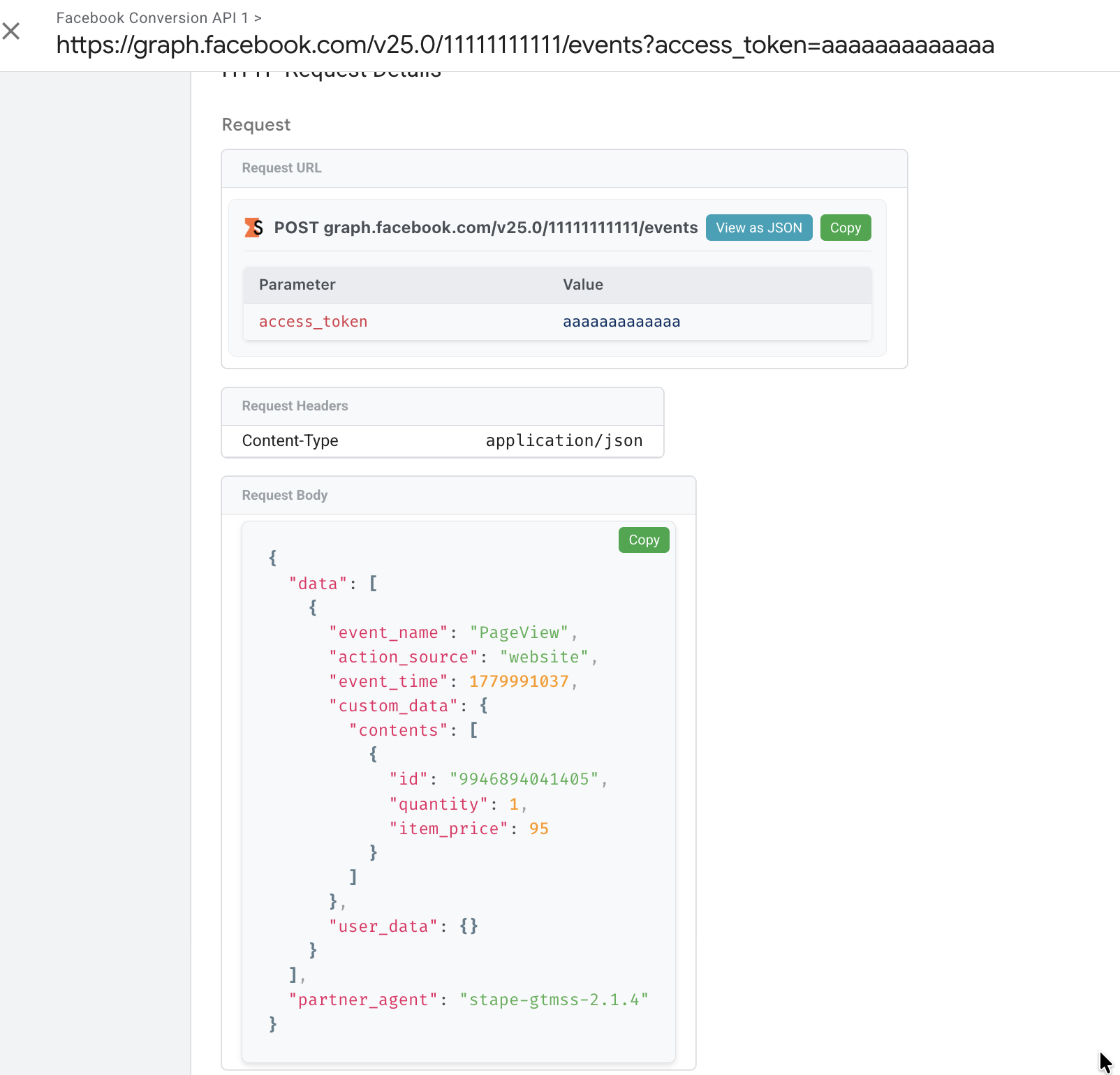
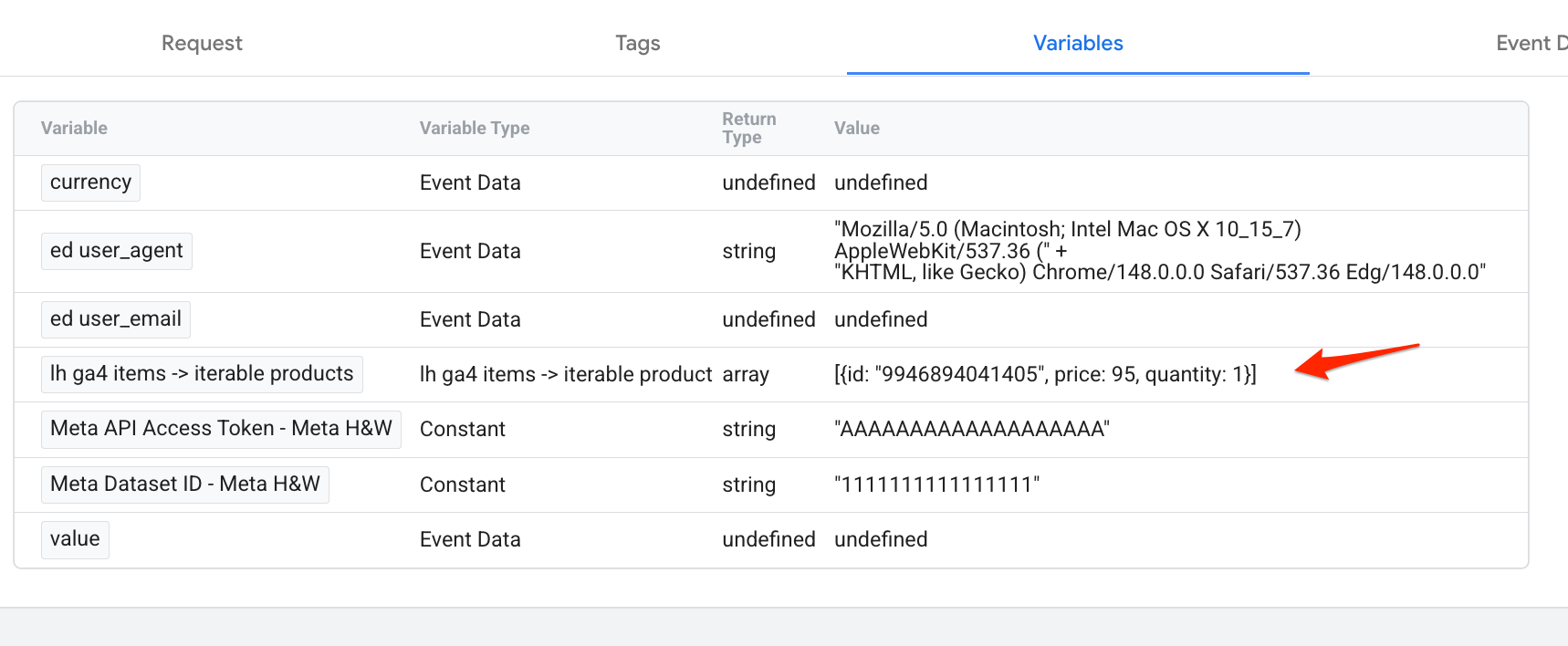
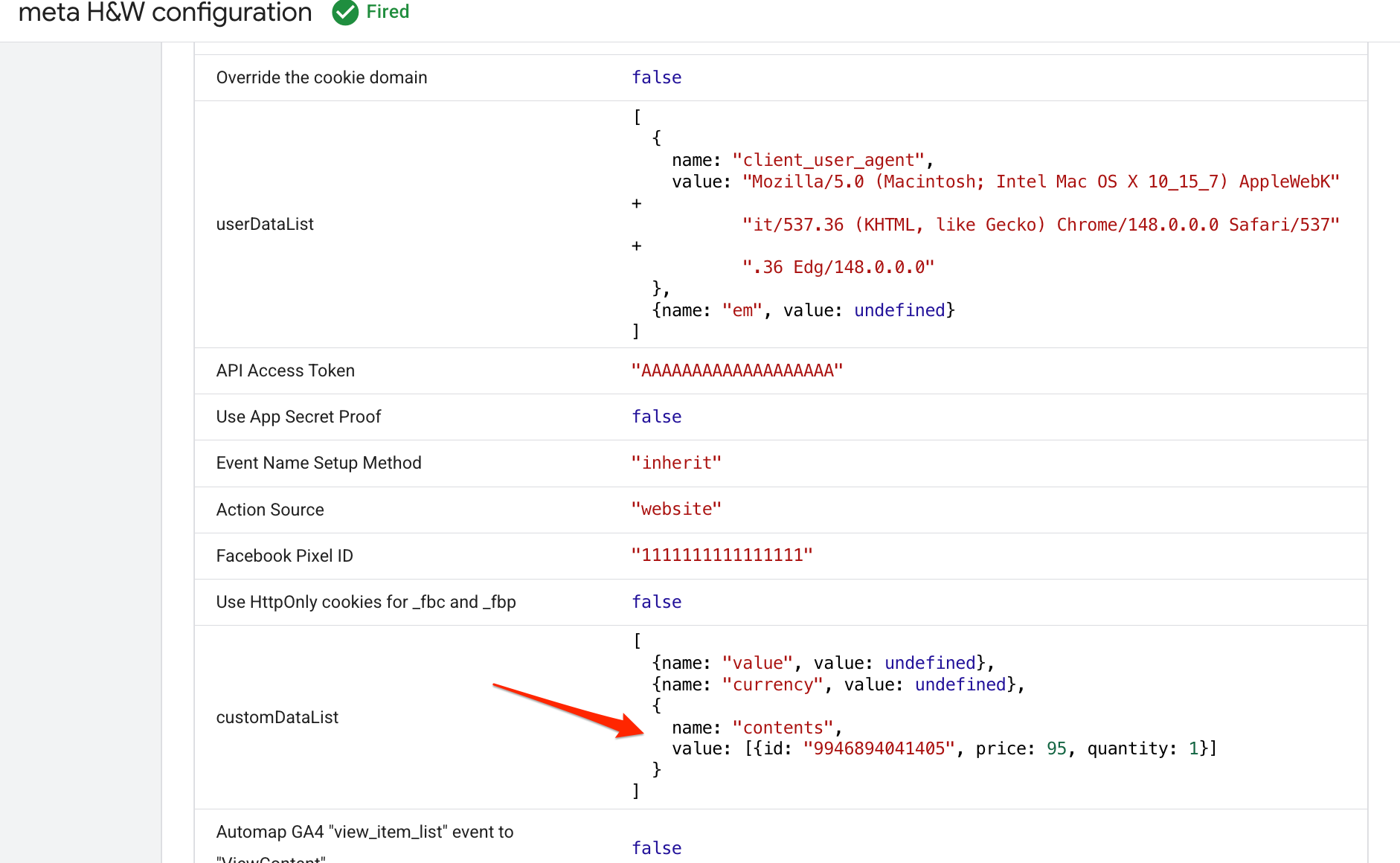
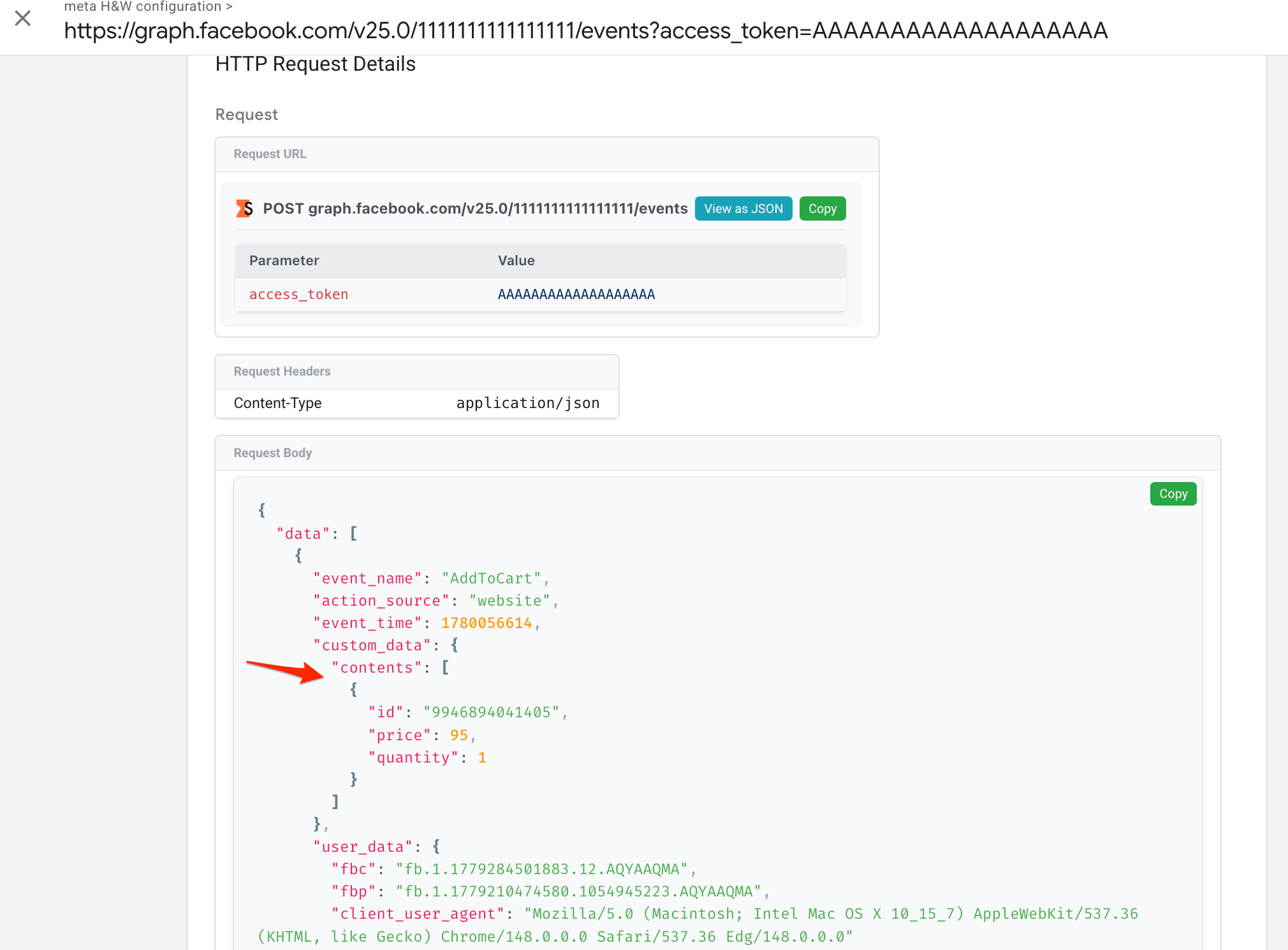
In preview mode - the variable produces a correct value. But the tag preview shows that same variable as “undefined”, and the tag hangs/fails.
Is the template tag not able to accept custom template variables? We tested with “constant” variables and it worked fine, so that’s our assumption.
Please, share more details and screenshots from your setup.
Are you performing some sort of external request to enrich the items before transforming into contents? If so, this can explain why the tag preview shows undefined while Variable tab shows the expected value.
Hi Giovani - thanks for the reply. We’re using a custom template variable to read the “items” array and filter it so it only sends item_id, price, and quantity (it’s necessary for this client).
So the output of the variable is something like this: “[{\“id\”:\“WZSN1SG2\”,\“quantity\”:1,\“item_price\”:169}]”
In sGTM preview - the variable shows that value correctly in the “variables” tab. But in the tag, it shows as “undefined”. We tried the same for another variable that just outputs a numerical value, same thing.
So it looks like the Custom Data list in the tag possibly does not accept variables built from Custom Templates. When we tested with a “Constant” variable" it worked fine.
So it looks like the Custom Data list in the tag possibly does not accept variables built from Custom Templates. When we tested with a “Constant” variable" it worked fine.
If possible, please give me access to the container (get@stape.io). I’ll take a look.
Alternatively, you can send me the .json file with the bare minimum (only the FB CAPI tag and the said custom variable).