We are seeing two different behaviors for our Google Ads tags in sGTM:
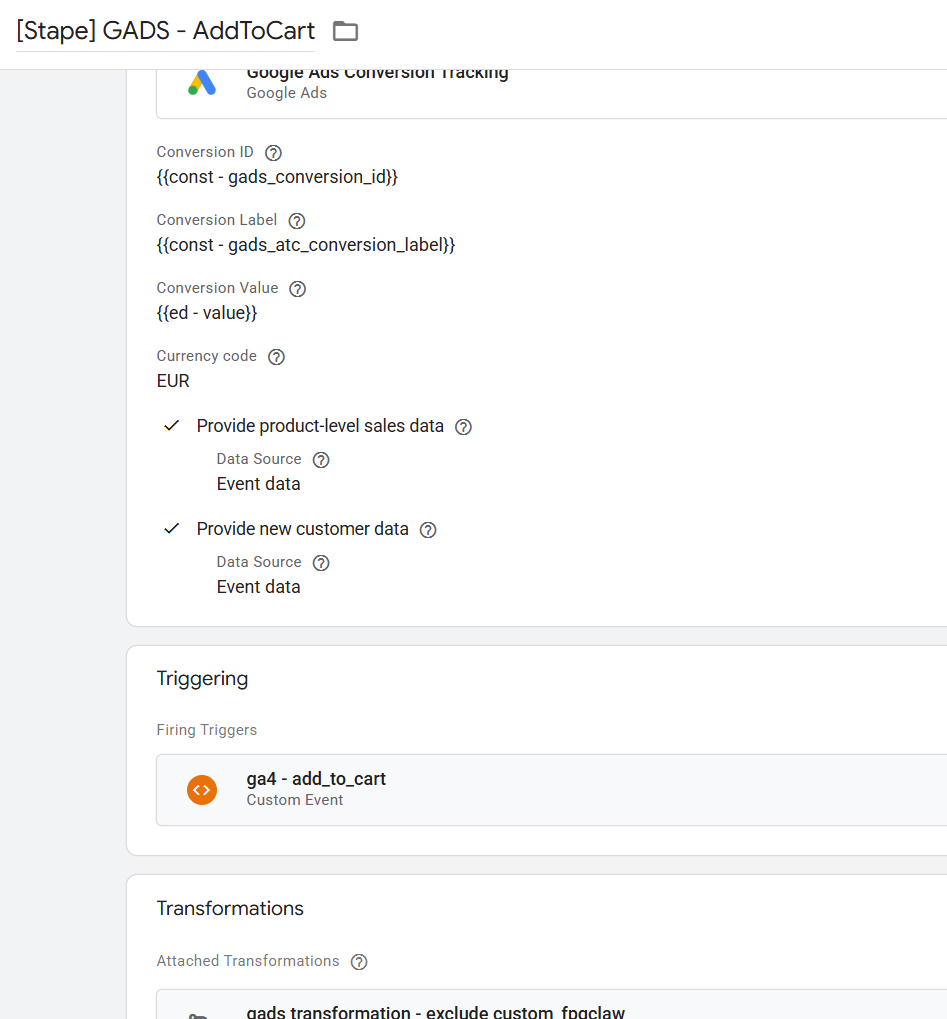
1. Google Ads Conversion Tracking
The tag fires successfully in sGTM preview — firing status shows “Succeeded”. However, no outgoing HTTP request from the server is visible.
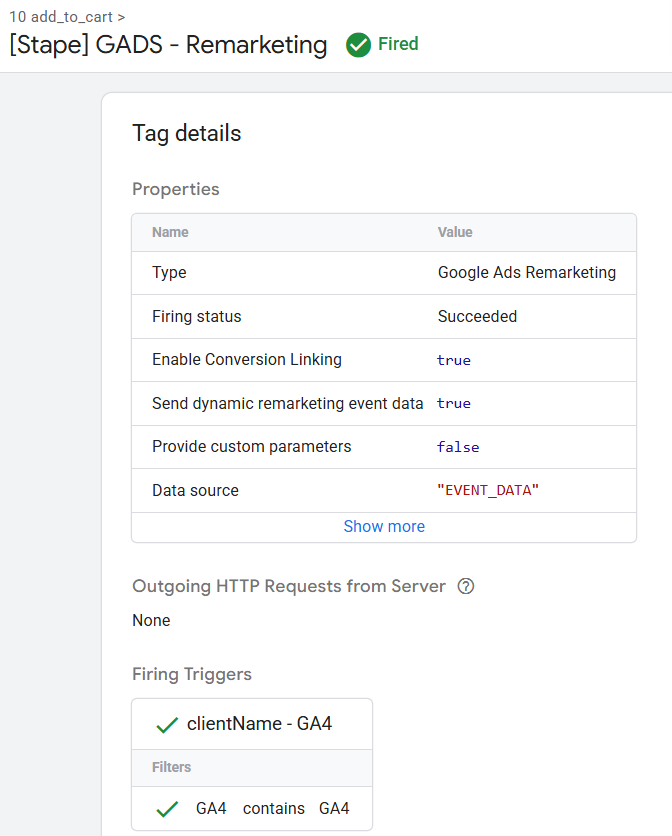
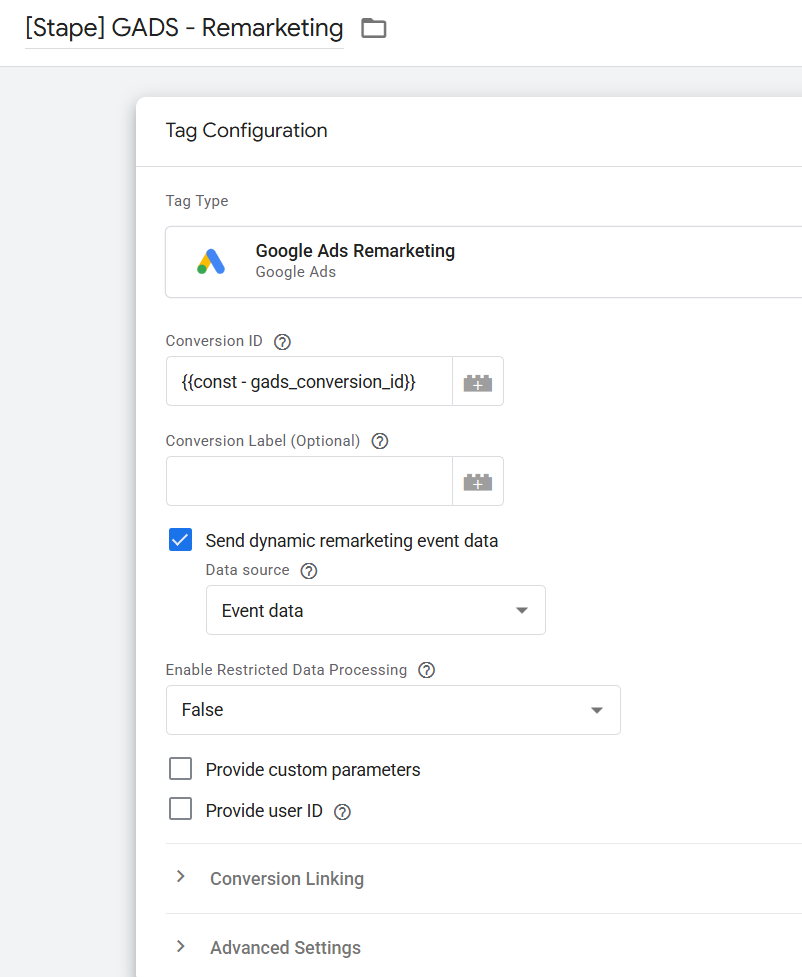
2. Google Ads Remarketing
The remarketing tag also shows firing status “Succeeded” in sGTM preview, but we see no outgoing HTTP request at all — neither from the server nor from the browser.
Setup
Shopify storefront
DataLayer pushed via the Stape Shopify app
Google Tag Manager (web container) → server-side
GTM container via Stape GA4 as data source for sGTM
Two Google Ads tag types configured in sGTM: Google Ads Conversion Tracking and Google Ads Remarketing
What I have checked:
Conversion ID and label are correct
Consent status is gcs=G111 (full consent granted)
Tag trigger matches the incoming GA4 event (add_to_cart)
Both tags show “Succeeded” in sGTM preview — so they are firing, but not producing the expected server-side HTTP requests
Questions:
The Google Ads Remarketing tag shows “Succeeded” in sGTM preview but produces no outgoing HTTP request at all — not from the server, not from the browser. What could cause a tag to show “Succeeded” without any actual request being sent?
The Google Ads Conversion Tracking tag also shows “Succeeded” but the request is sent from the browser instead of the server. What is the issue here?
A call is being sent to Google Ads, but not via the server. This is despite the fact that I have no Google Ads tags firing from the client-side GTM container.
Could this possibly be related to sendPixelFromBrowser? And if so, does that mean this is actually expected behavior?
The strange thing is that I see no request at all for the remarketing tag, not from the server, not from the browser. (See other comment.)
I looked into the issue in more detail and checked my setup aswell.
Google Tag Manager Server-Side does not always send conversions to Google Ads via a ‘visible HTTP request’.
Sometimes it is:
an internal Google API call
an abstracted request layer
this is simply a limitation of the preview interface
Therefore, this behaviour is expected, and you can check whether conversions are working in your Google Ads account after publication. The next day, they should already have active status if everything is configured correctly.