I need a method / solution to log the response body of tags that fail.
So for example, if my Meta Ads tag fails because of invalid content_ids format or something, i will get a Slack message that x tag has failed in x GTM account.
However, ive looked into it, and it seems to be a somewhat challening assignment, because i dont own the tags i want to debug, which means that i dont have direct access to the response body in that specific tag. so this poses a big challenge.
So route the tags trafic to a cloudflare worker for instance.
@jeppe_Nielsen all Stape logs will have a Request/Response log available via log settings. Those logs are then stored in your Stape account and you can setup Monitoring rules for some alerts based on the status.
Now, I appreciate this might not give you fully what you’re looking for but this is the closest thing available to you out of the box. Beyond this - there’s all those challenges you were bombarded with in measure slack
Yes, I looked more into it, and the only “solution” i could come up with, was to duplicate Meta Ads template, and then make my own solution in the code, but that would ofcourse also come with other problems, like not recieveing tag updates etc.
I guess what Simo says, requires self hosted sgtm for complete control.
We will have something along these lines in 2026, which perhaps will move you closer to your ultimate desire, for now though you can use the approach from my previous message. Cheers
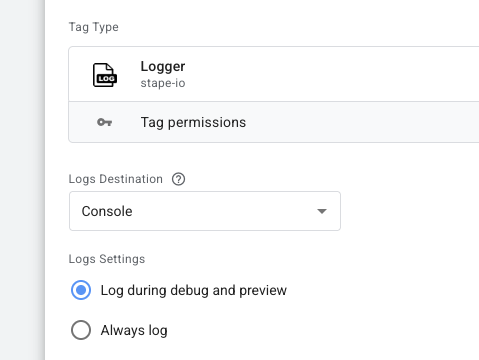
Hey again Dan, i actually hae another logging question tho for Logger tag.
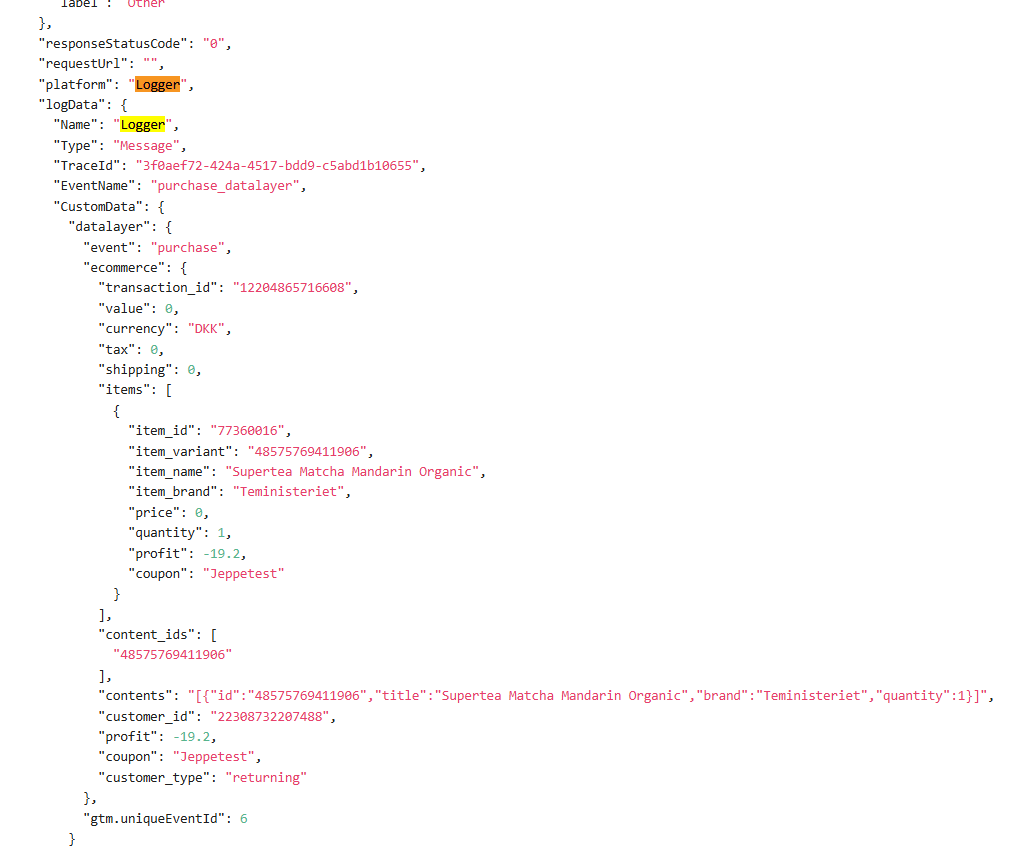
Ive made a Tag clientside, that captures the datalayer which im sending to the server, and then parses it into a JSON string, and sending it with the logger tag.
However i only see it getting logged in Stape logs, if i myself make test purchase on the website, but for “real” purchases it never gets logged.
Is there a reason for this? Im checking under “Other Logs” in Logs

 tho for Logger tag.