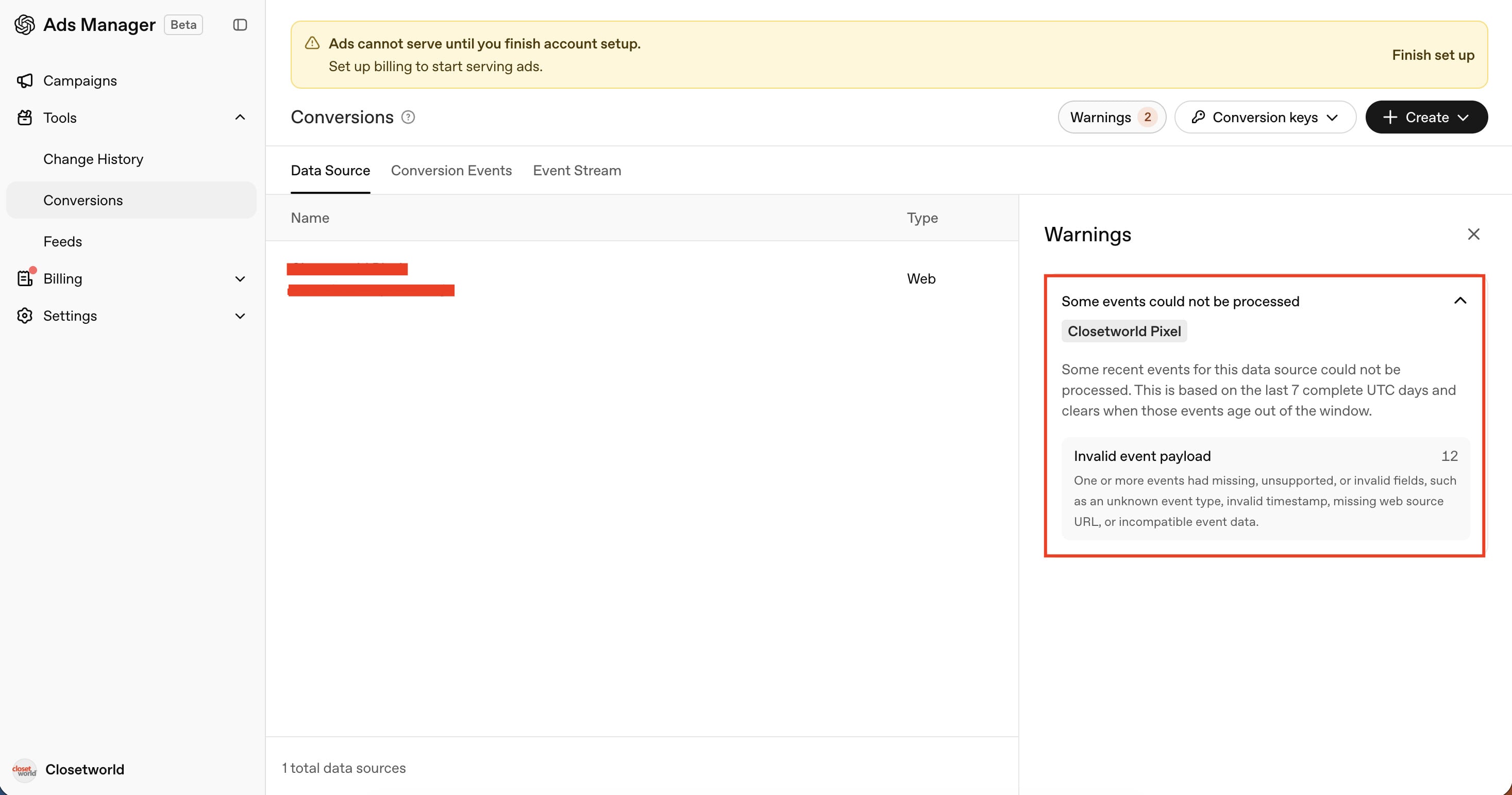
Hi,
We have completed the OpenAI Pixel CAPI using the tag template of Stape. We are seeing an invalid event payload warning for a few events. Is it okay? Or, is there anything we can do to fix that.
Thanks.
Hi,
We have completed the OpenAI Pixel CAPI using the tag template of Stape. We are seeing an invalid event payload warning for a few events. Is it okay? Or, is there anything we can do to fix that.
Thanks.
Hi @Hridoy.
To help you, we need to understand what can be wrong with this particular event.
Please:
[oaiq]. You’ll probably see one like this [oaiq] validation failed; event dropped when you fire this event.[oaiq] validation failed; event dropped
{
"command": "measure",
"issues": [
"eventProps.type should be \"customer_action\"."
],
"eventName": "registration_completed"
}
@giovaniortolani I’m experiencing this same issue and followed your guidance. However, the events didn’t fire a validation error in DevTools Console. How can I troubleshoot?
Hi @measure, are you experience the same problem with CAPI template? Pixel template? Or both?
My previous answer focused only on the Pixel, but reading the post again I see that the person asked about CAPI.
Unfortunately, as OpenAI Ads is still in Beta, the UI displays only a vague warning message that is of no help.
If the problem is on the Pixel, then that method I described should be sufficient.
If the problem in on the CAPI, then you can do the same exercise:
Moreover, if you host on Stape and are on the Pro plan or higher, you can enable Stape Logs. Every request and response that occurred in your sGTM container will be logged, which can be used to find the CAPI requests that are returning the 400 status, and understand what is wrong with the payload.
Last but not least, if the percentage volume of events with this warning is very low when compared to all events sent, I would not worry about it.