elin
February 10, 2026, 8:17pm
1
Hi,
I’m trying to send Qualified Lead events from HubSpot to Meta using Stape, and I’m stuck on identifying the correct webhook ingestion endpoint .
Context:
Source: HubSpot workflow (server-side)
Trigger: Contact property Inbound lead qualified = Yes
Goal: Send a QualifiedLead event to Meta Conversions API
Payload (simplified):
What I’ve tried:
Created a Signals Gateway sgw.stape.ltd, gateway ID + API key available)
Also have a Meta CAPIG gateway set up in Stape
In HubSpot, I’ve tested POST requests to:
All attempts return 404. (backend NotFound), service rules for the path non-existent
My confusion:
Signals Gateway UI shows a URL + API key, but seems to be meant for browser/pixel ingestion , not raw webhooks
CAPIG appears to be the correct product for server-to-server (HubSpot → Meta) events
However, I cannot find a clear, explicit webhook/ingestion URL for CAPIG in the UI, and generic endpoints (e.g. /v1/event) don’t work
My questions:
Can Signals Gateway accept raw server-side webhooks from HubSpot at all, or is it pixel-only?
For Meta CAPIG, what is the correct ingestion endpoint for sending server-side events from a CRM like HubSpot?
Is the CAPIG endpoint gateway-specific / region-specific, and where exactly in the UI can I find it?
Is there an official example (curl / Postman) for HubSpot → CAPIG → Meta?
I want to avoid guessing URLs and make sure I’m using the product as intended.
Thanks in advance — any clarification from the Stape team or experienced users would be hugely appreciated.
elin
February 16, 2026, 3:33pm
3
Thank you so much for this Dan, very helpful!
I’m not quite there yet though.
Here’s what I’ve done so far:
I’ve installed the Stape hubspot app and added the required input for CAPI gateway. (This was done last week, so it’s been running a few days now).
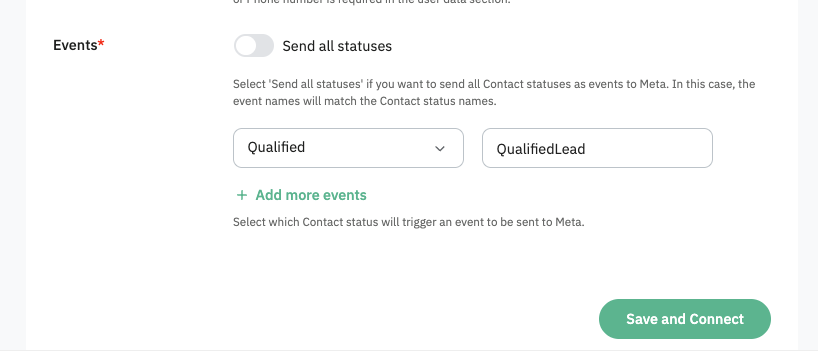
I’ve selected a specific Hubspot Lead status that should fire an event.
I’ve left the Meta Lead ID input field blank as it’s not mandatory
I’ve triple checked that I’m referencing the right Meta Dataset ID and Stape API key.
Even so, I can’t detect any matching new events in Meta. Can you provide any more guidance here?
Dan
February 18, 2026, 8:21pm
4
@elin how exactly are you checking and what are the event names you’re sending? Have you confirmed said events ( I assume custom ones) in your dataset (pixel) interface?
elin
February 19, 2026, 9:42am
5
Hi Dan! Thanks for bearing with me here.
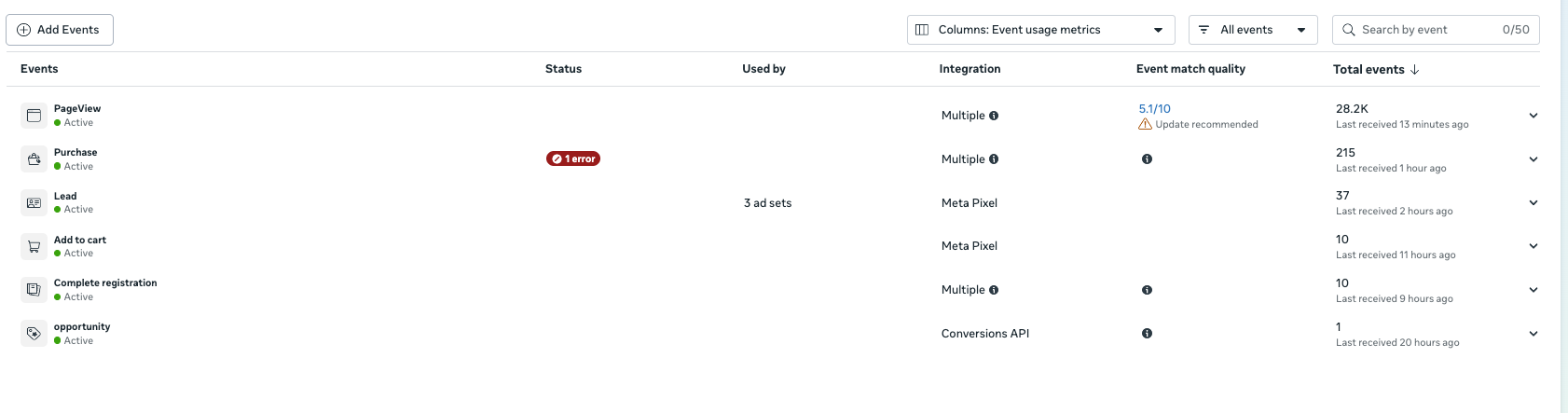
I’m checking in my meta dataset interface yes, the event is called QualifiedLead. I know that the lead status change has happened in dozens of cases automatically and I’ve also changed it manually to try and trigger an event. But nothing shows in meta.
Dan
February 19, 2026, 10:19am
7
I know that the lead status change has happened in dozens of cases automatically and I’ve also changed it manually to try and trigger an even
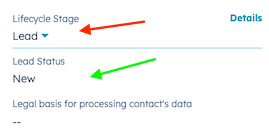
Just to make sure, app reacts to Lead Status, not Lifecycle Stage:
can you please re-confirm that it’s the status that changed over the course of you having the app active? If that is the case, I would ask you to please DM me the API key you’re using so that we may investigate further.
elin
February 19, 2026, 1:13pm
8
Hi again Dan,
Happy to DM, can’t find where to do that though.
Dan
February 19, 2026, 1:34pm
9
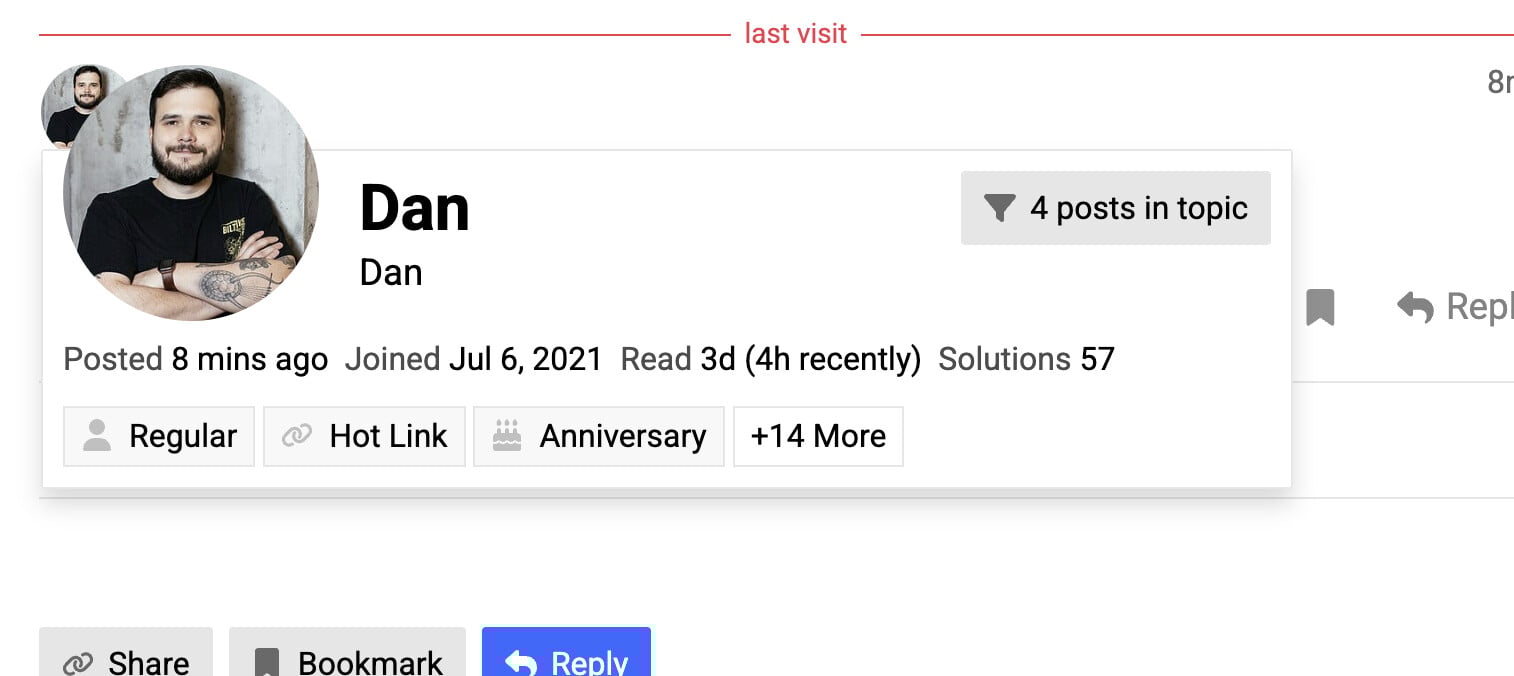
when you click on my avatar there’s a blue Message button in the pop-up
elin
February 19, 2026, 1:43pm
10
I have tried all parts of the community, when I click your avatar it looks like this
Dan
February 19, 2026, 1:53pm
11
Just email me at dan@stape.io then
 thx
thx