Google Ads Conversion Improver Tag — NO_CONVERSION_ACTION_FOUND error
Hi everyone,
I’m setting up the Google Ads Conversion Improver Tag in my server GTM container and I’m getting a NO_CONVERSION_ACTION_FOUND error, even though the conversion action exists in Google Ads.
Setup:
- Hosting: Stape
- Authentication: Own Google Credentials (Service Account with JSON Key)
- Google Ads API enabled in GCP project
- Service Account has the “Service Account Token Creator” role
- Developer Token configured in the tag
Tag configuration:
- Operating Customer ID:
9649774788(the sub-account where the conversion lives) - Customer ID:
8605275825(MCC account) - Source Conversion Action ID:
466888254 - Destination Conversion Action ID:
466888254
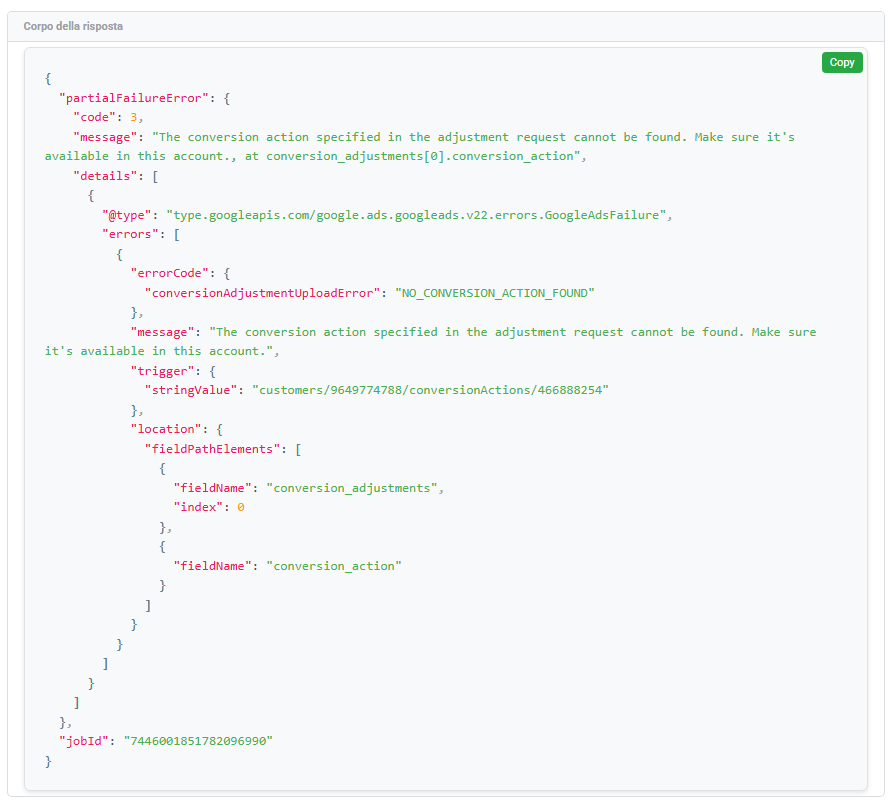
Error response (HTTP 200 with partialFailureError):
{
  "partialFailureError": {
    "code": 3,
    "message": "The conversion action specified in the adjustment request cannot be found. Make sure it's available in this account., at conversion_adjustments[0].conversion_action",
    "errors": [{
      "errorCode": { "conversionAdjustmentUploadError": "NO_CONVERSION_ACTION_FOUND" },
      "trigger": { "stringValue": "customers/9649774788/conversionActions/466888254" }
    }]
  }
}
What I’ve verified:
- The conversion action
466888254is visible in the Google Ads UI under account964-977-4788 - The conversion type is Website (online conversion)
- The conversion was NOT created at MCC level — it belongs to the sub-account
- The Service Account was initially added only at MCC level. I’m now adding it directly to the sub-account as well
Any help would be appreciated. Thanks!