Hi everyone,
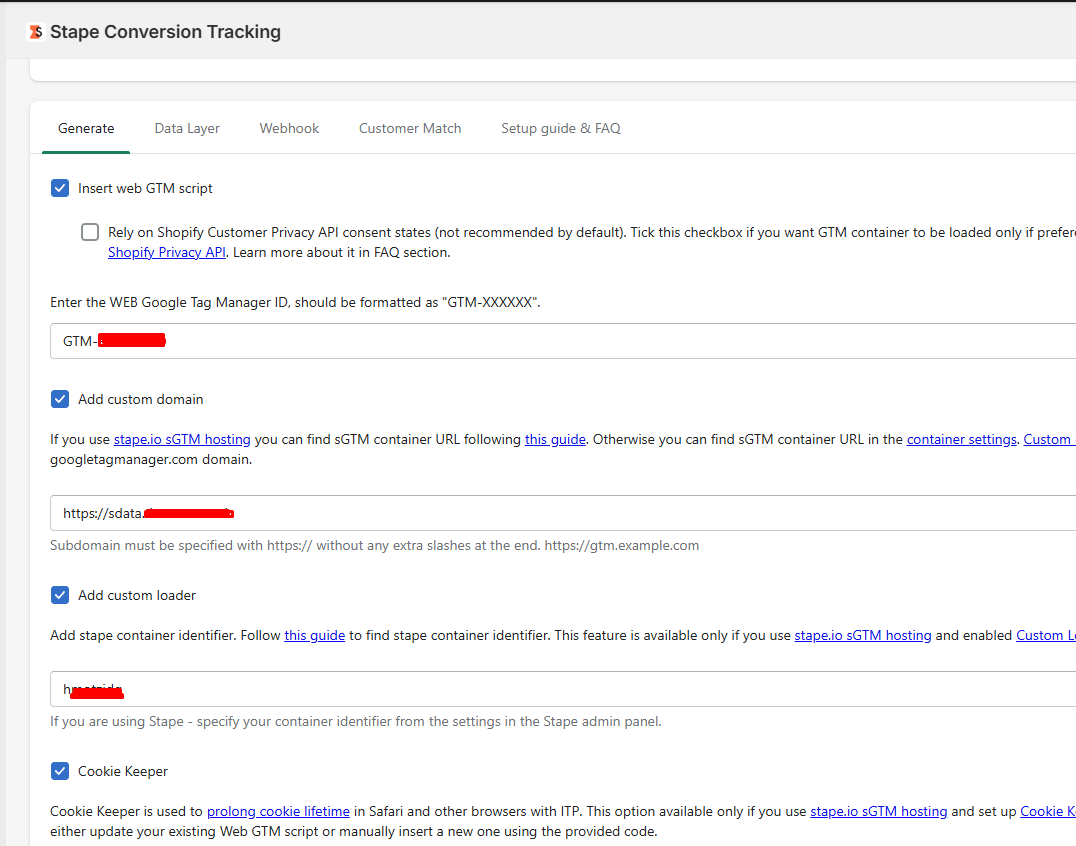
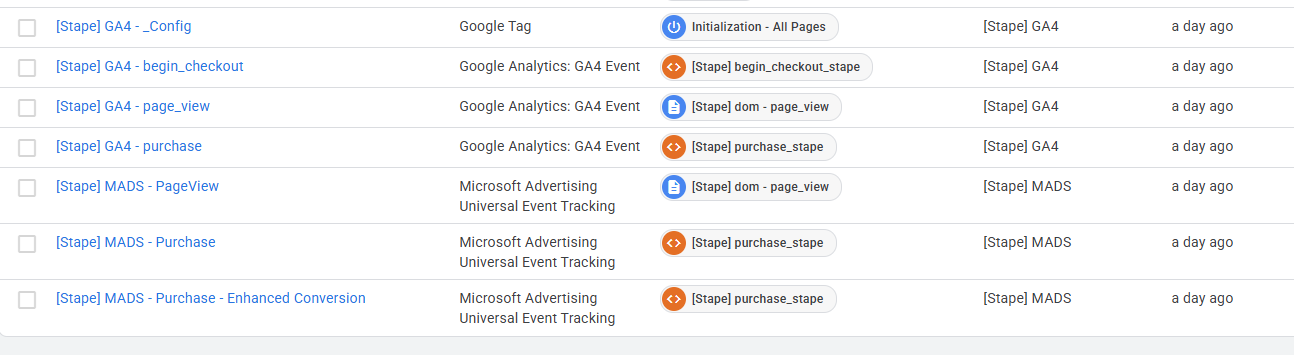
I used the Stape Setup Assistant to configure Google Ads server-side tracking for https://thermos.co.uk/. I’m also using the Stape Shopify app to implement the custom loader and enable the ecommerce dataLayer. Also, I created a custom pixel using the code provided by the Stape app.
Here’s the issue I’m facing:
When I preview Web GTM and Server GTM, I only see the page_view event.
On the checkout page, no events are received in sGTM (no page_view, begin_checkout, or purchase), even though the dataLayer events are firing correctly.
When not in web GTM preview mode, no events are received in the server container at all — not even page_view.
I’ve been stuck on this issue for the past two weeks and haven’t been able to resolve it, which is quite frustrating. It is stopping my Google Ads SST implementation for the client.
At this point, I’m starting to suspect this might be related to the website setup. Could this be due to a headless Shopify implementation preventing proper GTM integration?
Any guidance, suggestions, or debugging tips would be greatly appreciated.
But because of the way checkout in Shopify technically implemented (all code from pixel api is rendered as a separate iframe) - you can’t run GTM previews on those pages, although technically your GTM container will load there.
Please refer to the method described in another article to check checkout events in the serverGTM preview: POAS Data Feed Power-Up | Stape
Yes, I’ve definitely tried from server GTM preview. When I’m previewing web GTM, I’m seeing only page view, view item, and add to cart events in server GTM preview.
I’m well aware of the fact that I can’t see Shopify checkout events due to sandbox environment. However, when I’m on the server GTM preview and browse the website normally (without in web GTM preview mode), I don’t get any events AT ALL. Not event a singe page view event.
NO DATA IS PASSING TO SERVER GTM AT ALL.
This is a unique issue I’ve been facing for last 2 weeks. Is there any possibility that website is blocking the server GTM tracking?
Is there any possibility that website is blocking the server GTM tracking?
As my colleague wrote in another post, when testing in the staging environment, everything works correctly and requests go to the server container.
It appears that there is another integration on the site which loads the GTM script from googletagmanager, and the gtags are initialised from there rather than from a custom loader, as they should be. Consequently, requests are sent directly to Analytics rather than to the server container (as can be seen in the network tab by entering ‘collect’).
Perhaps you haven’t disabled the Google Shopify integration, which injects these scripts or something else is inserting additional scripts, which affect the sending of requests and override the gtag loading from custom loader.
So, we can only advise you to check that the GTM script is not being loaded from other sources, that integrations are not loading the gtag script separately.
Google Shopping App is integrated and it is accurately capturing Google ads conversions. What you saw in the network tab entering ‘/collect’, it is actually generating because of this Google’s Shopify app. However, I’ve tried disabling this app for debugging purpose and it stopped sending any requests and I’ve checked that in the network tab. Unfortunately, even after disabling this app, no data is passing to server GTM. very strange!