Hi Stape. It seems like the Facebook Conversion API tag is currently not transferring the referrer_url (the page_referrer parameter in the event data) to Meta. Could you either add it to the tag – or allow us to include it / override it?
The parameter is optional, but it’s value in the creating of custom conversions – for example, a custom event that triggers when someone visits from a search engine.
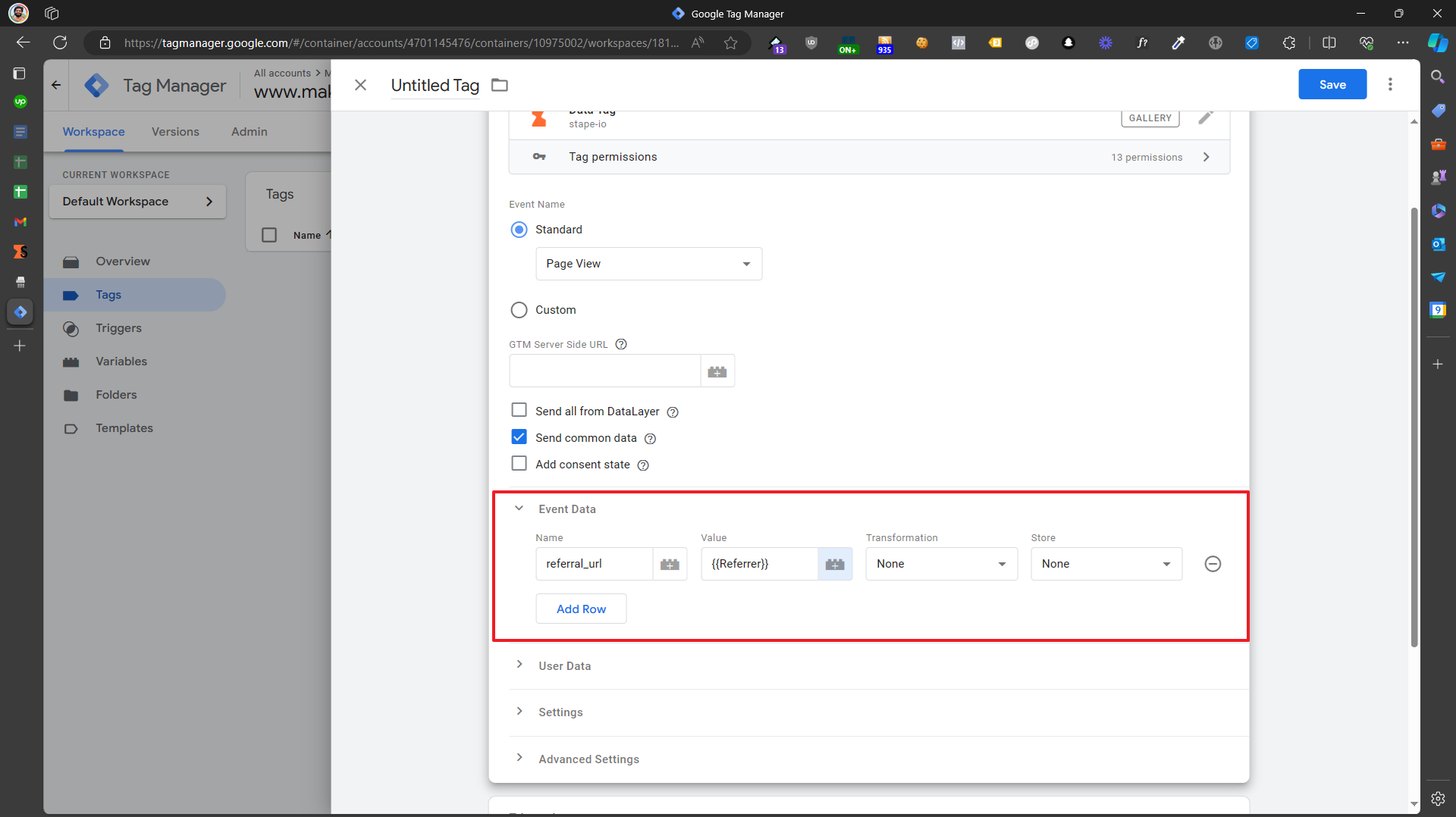
Thanks shahzadaalihassan. However, the referral_url is already included in the data tag request. The problem is that it’s not included in the Facebook Conversion API Tag request (Stape’s Server Container tag for Facebook Conversion API).
Quick recap on the this: The Facebook Conversion API tag in Stape’s sGTM setup isn’t pulling in the referrer_url (from the page_referrer in your event data) and sending it over to Meta. It’s a handy optional param for things like custom conversions—say, spotting traffic from Google searches—but it needs to sit at the top level of the payload, not tucked into custom_data.
In the meantime, while we wait for the devs to bake in native support (Alex, any ETA on that release? ), here’s a straightforward workaround using an Event Data override. It’ll get you that referrer_url flowing correctly without much hassle.
Quick Fix: Manual Override in sGTM
Set Up the Variable: Head to your sGTM container > Variables > New > Event Data. Call it something like “ED - referral_url”. In the config, set the Key to referral_url . This grabs the referrer straight from the incoming event.
Hook It into the Tag: Open your Facebook Conversion API tag. Scroll to the “Server Event Data Override” section and flip it on. Add a new parameter: Key = referrer_url, Value = {{ED - referral_url}} (using that variable you just made).
What Happens Next: When the tag fires, it’ll slot in the actual URL like this in the payload:
{
    "data": [
        {
            "event_name": "Purchase",
            // ... other stuff
            "referrer_url": "https://google.com"  // Your referrer here!
        }
    ]
}
Meta will pick it up for better attribution. Just hop into Preview mode to test it out and make sure it’s hitting right.
This should tide you over nicely—let me know if you run into any quirks or need screenshots. Fingers crossed the full update drops soon!


 ), here’s a straightforward workaround using an Event Data override. It’ll get you that