Struggling to get my head round what you can and cannot do with Shopify checkout function.
I have a Shopify store with the Stape App in place, with both client and sGTM inplace
when I navigate around the site, i can see everything fire in debug more and being sent in the network tag
soon as I hit the checkout this stops - no purchase events being picked up even though I can see them in real time ga, and via a data layer inspector
see screengrabs here
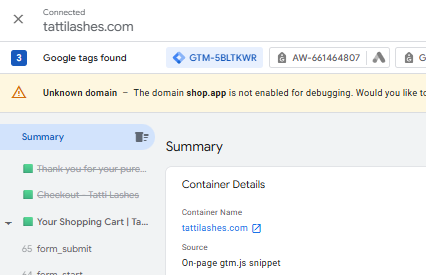
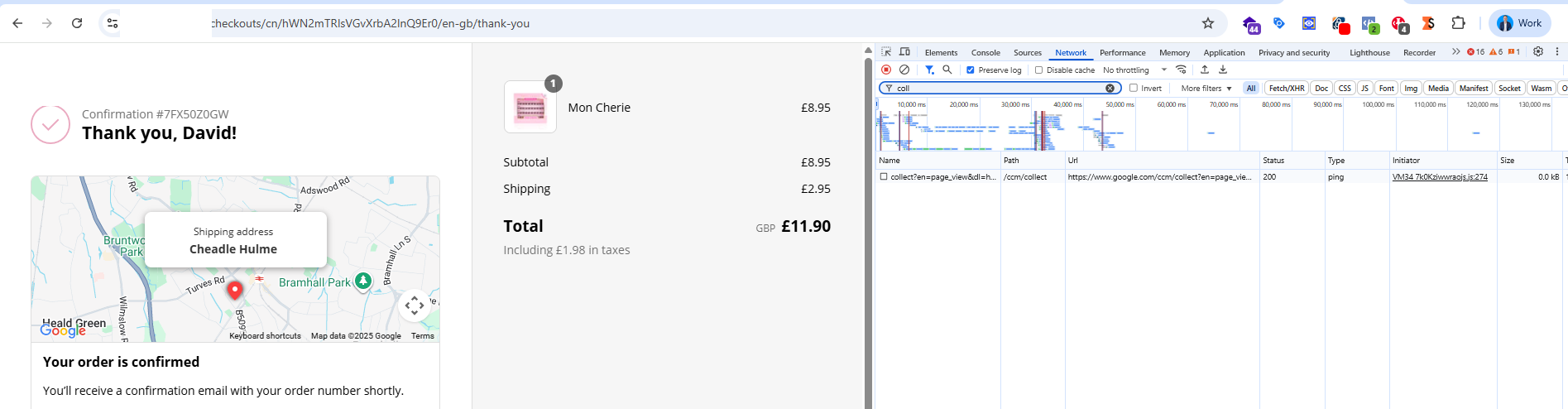
I did breifly see events that fire on “purchase_stape” appear in sGTM, but now they aren’t again - which is what you see in the screengrab where you can see purcahse, awin_purchase and adwords_test
I need to be able to at least see events landing on the sGTM debug window if not in the client side debug
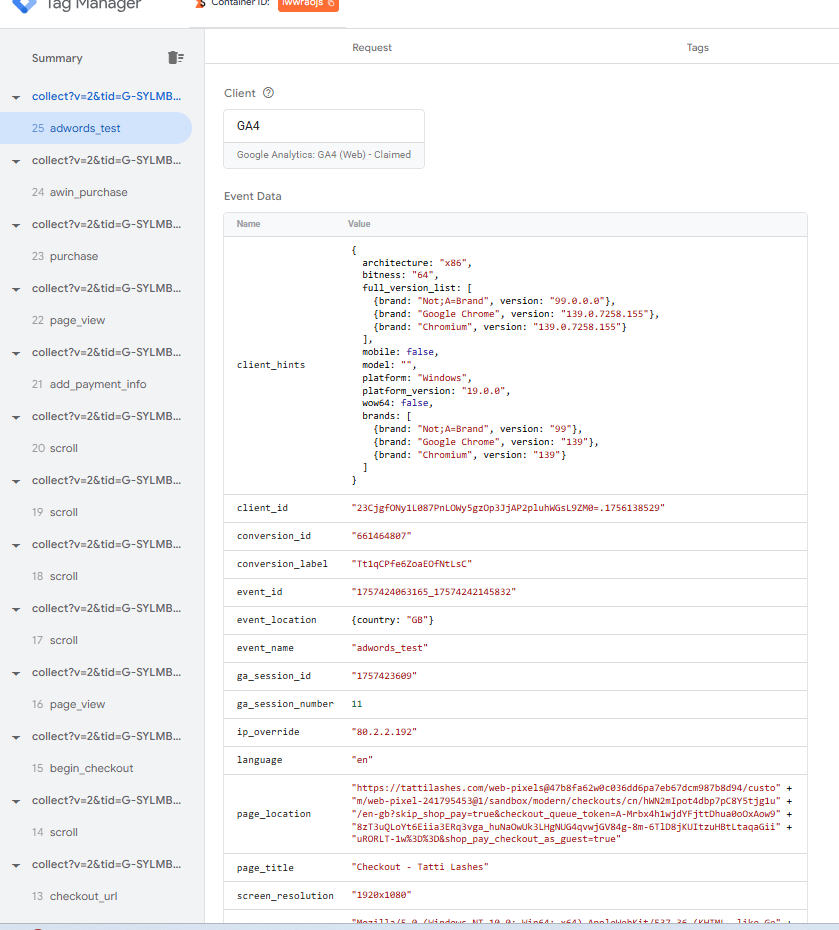
what am I missing? I’ve been going round in circles so thinking i’ve messed up a config setting or something
how do you ensure that when using sGTM, Shopify, Stape and the Shopify Stape App, that I can every event including checkout events in client side and/or server side debug