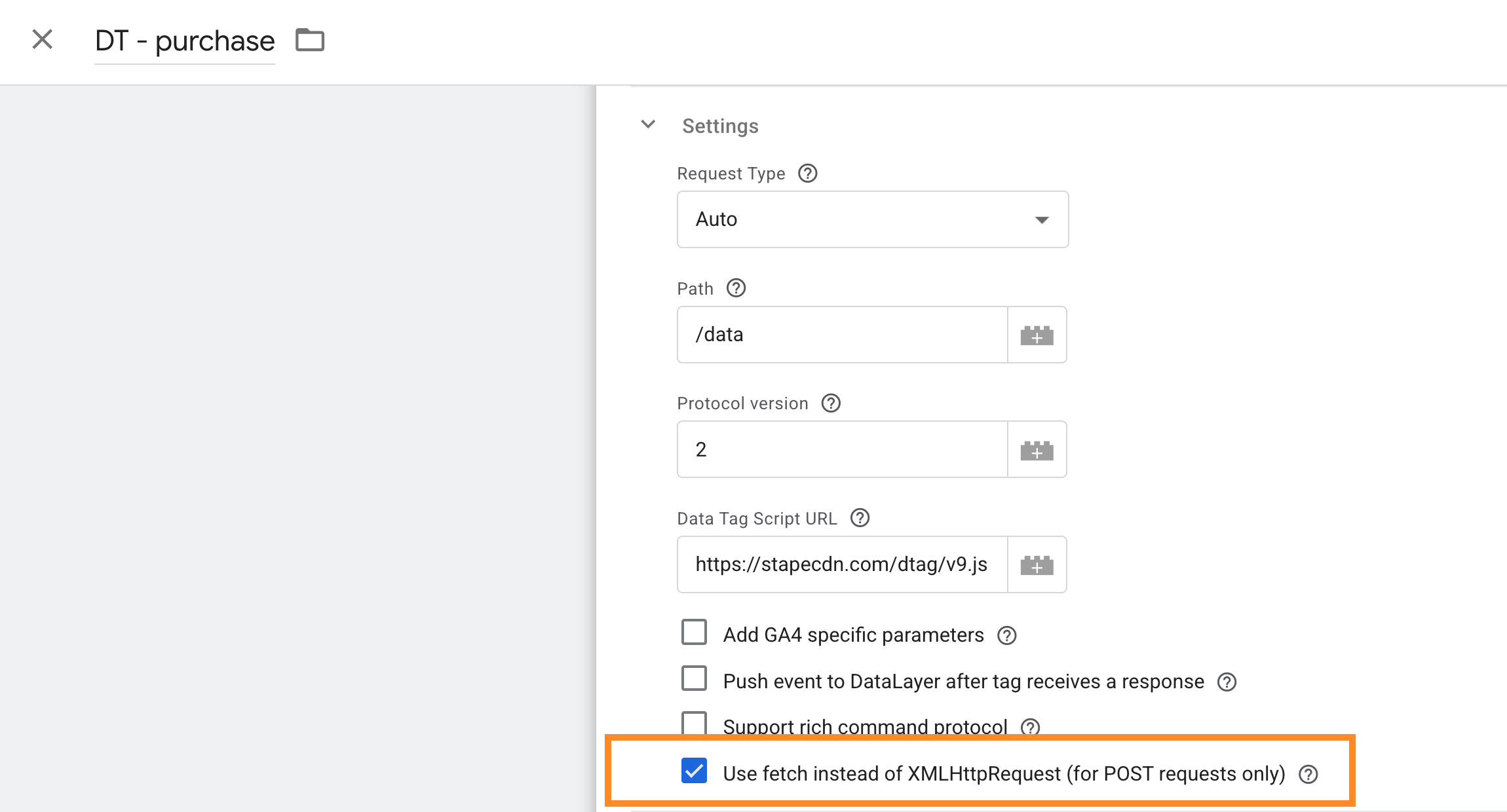
Hello there! I really enjoying to use the Data tag and the Response tag, I use the server response custom events in the web triggering some Fb and Google tags, because of the lack of my webshop engine and consent mode.
When I testing in the debug, everything looks correct, responses cames back, tags triggering in most of the cases. But sometimes I see the data tag still “running”, or succeded, but sending no event to the server. Mostly the problem happens with the purchase event. I tested the data tag triggering on lesser events, and sending lesser parameters and no user_data, but the problem still here.
I don’t think it is a debug problem, when I use the custom server response purchase event triggering the conversion tags some conversions are missing.
I use one data tag for pageviews and one for the other events. Maybe using two of these are the problem? I use the DC client. And the problem is there with cosent granted too.
Sometimes I see in the devtools that application - cookies has an alert in chrome: “Cookies from https://mywebshop.hu may have been blocked due to third-party cookie phaseout.” It could be the problem? I send the fbc and fbp parameters with the data tags and stored in cookies, I tested the tag without these, but this message still popped out.
Do you have some advice for me?