Hi everyone,
I’m trying to send Google Ads Data Manager (GoogleConversionEvent) events from my server GTM via Stape, but every request to Google Ads is failing with:
“Request is missing required authentication credential. Expected OAuth 2 access token…”
My setup:
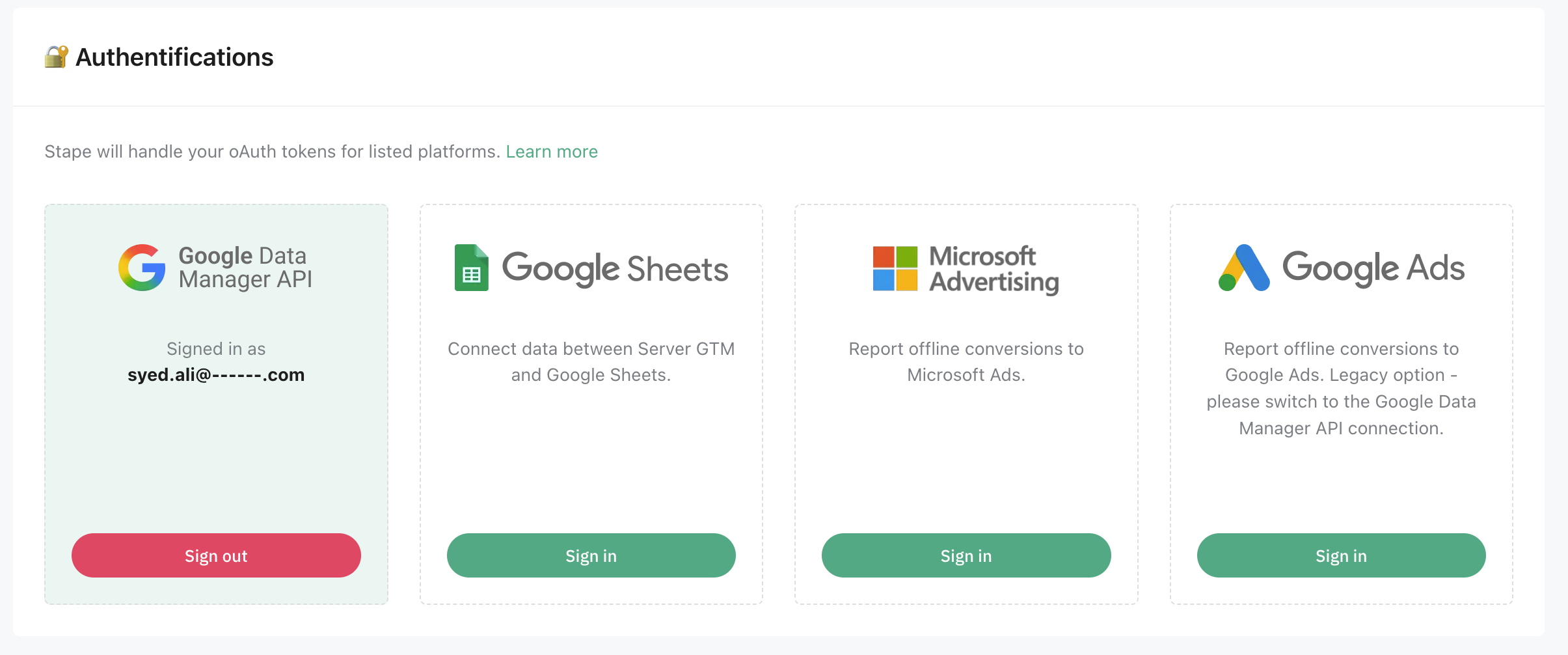
• Google Ads connection in Stape is active
• 2FA is enabled on the Google account
• I removed and re-added the connection
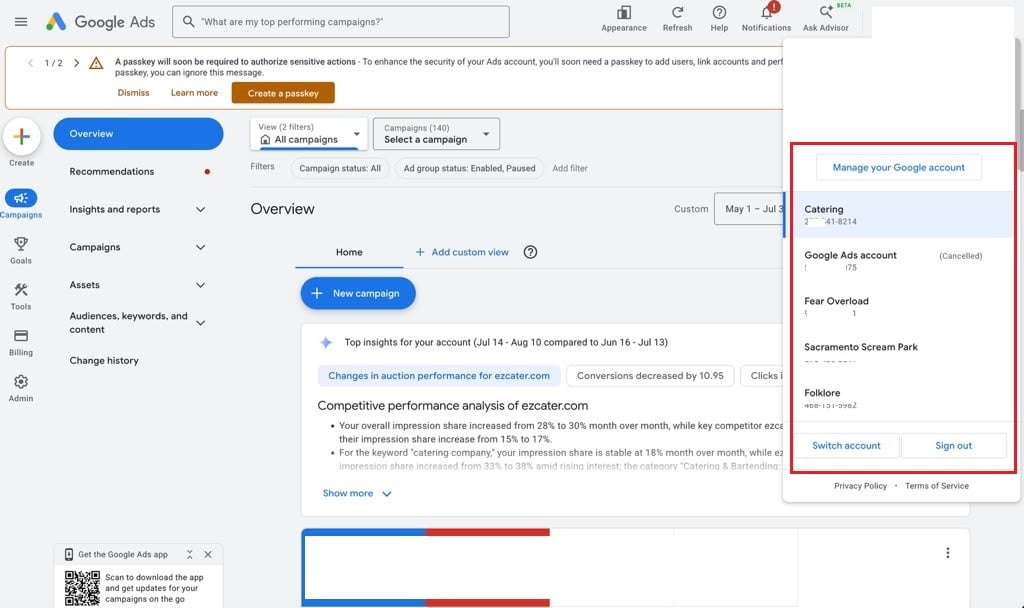
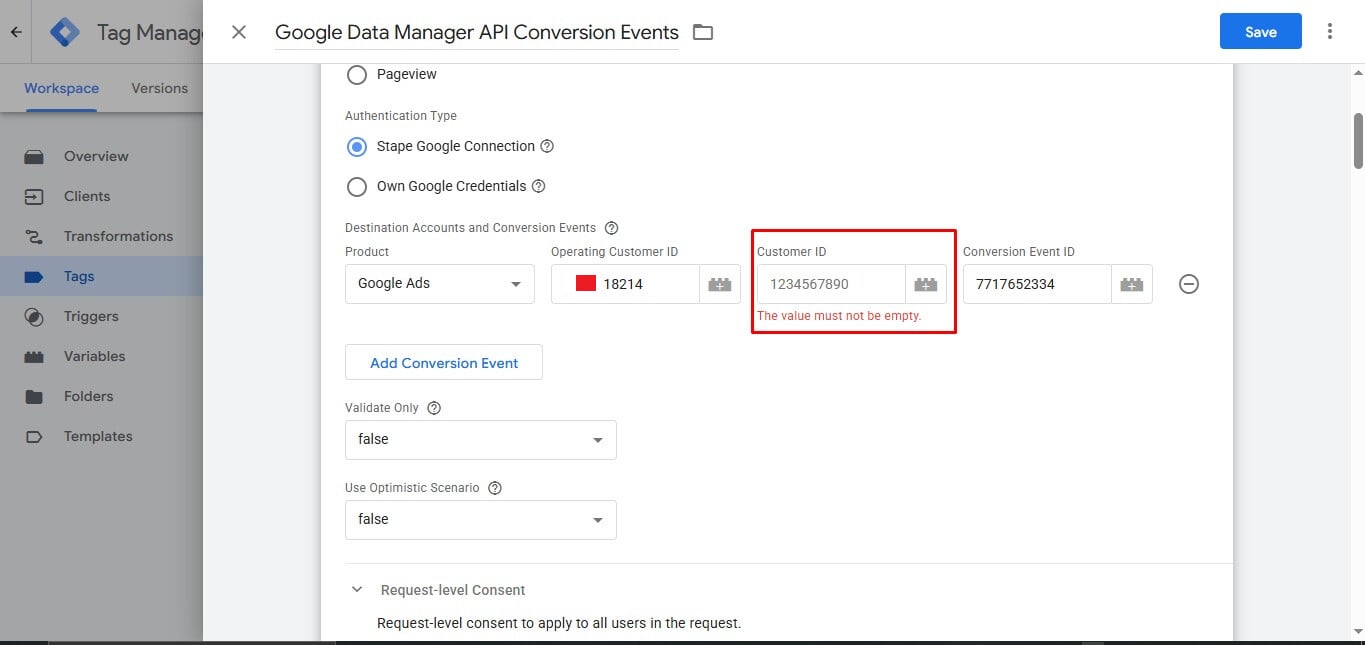
• Operating Customer ID and Conversion Event ID match the ones shown inside Google Ads
• Payload from GTM to Stape looks valid, and Stape receives it with no issues.
Request to Stape (with obfuscations):
{
  "type": { "type": "request", "label": "Request Log" },
  "platform": "GoogleConversionEvent",
  "requestUrl": "https://<stape-endpoint>/v2/data-manager/events/ingest",
  "logData": {
    "Name": "GoogleConversionEvent",
    "Type": "Request",
    "EventName": "ConversionEvent",
    "RequestMethod": "POST",
    "RequestUrl": "https://<stape-endpoint>/v2/data-manager/events/ingest",
    "RequestBody": {
      "validateOnly": false,
      "destinations": [
        {
          "reference": "1111111111",
          "productDestinationId": "1111111111",
          "operatingAccount": {
            "accountType": "GOOGLE_ADS",
            "accountId": "**********"
          },
          "linkedAccount": {
            "accountType": "GOOGLE_ADS",
            "accountId": "**********"
          }
        }
      ],
      "events": [
        {
          "eventTimestamp": "2025-12-01T13:35:02+00:00",
          "eventSource": "WEB"
        }
      ]
    },
    "TraceId": "REDACTED_TRACE_ID"
  }
}
Response
{
  "type": { "type": "response", "label": "Response Log" },
  "platform": "GoogleConversionEvent",
  "responseStatusCode": 400,
  "logData": {
    "Name": "GoogleConversionEvent",
    "Type": "Response",
    "EventName": "ConversionEvent",
    "ResponseStatusCode": 400,
    "ResponseHeaders": {
      "cache-control": "no-cache, private",
      "content-type": "application/json",
      "date": "Mon, 01 Dec 2025 13:35:04 GMT",
      "server": "nginx",
      "trace-id": "REDACTED"
    },
    "ResponseBody": "{\"body\":{\"message\":\"Request is missing required authentication credential. Expected OAuth 2 access token...\"}}",
    "TraceId": "REDACTED_TRACE_ID"
  }
}
Any ideas what the issue might be?
Thanks in advance