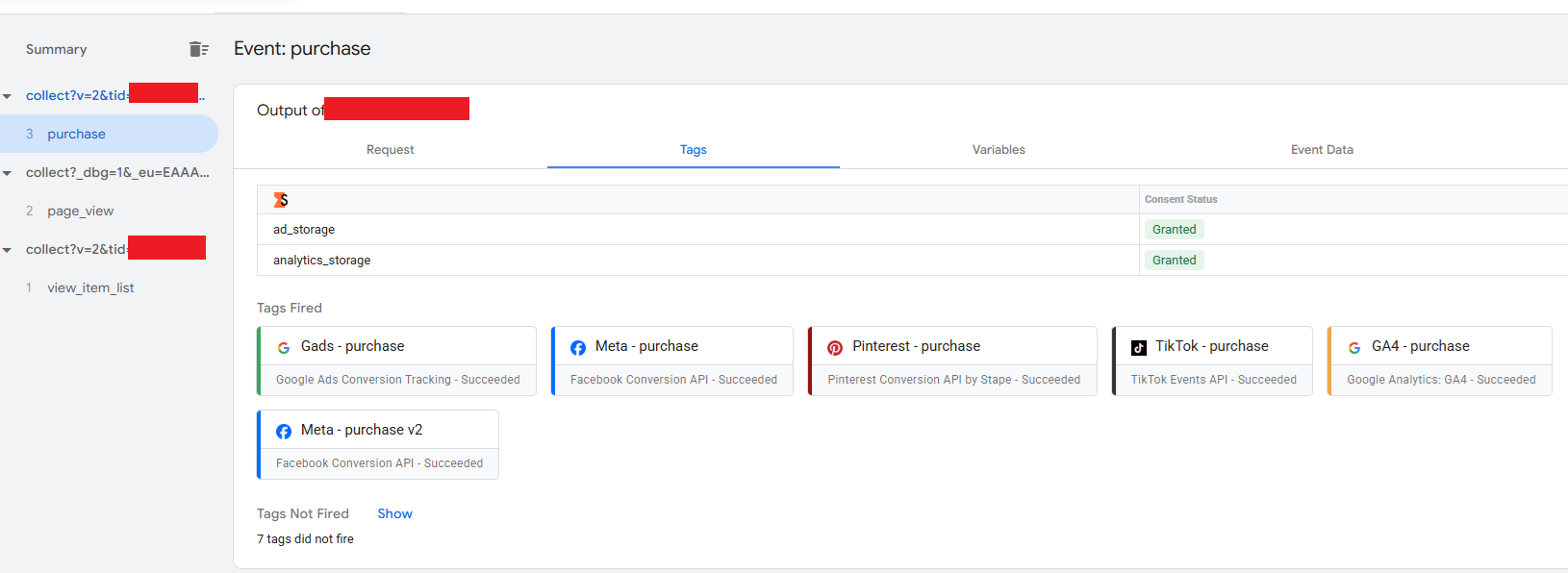
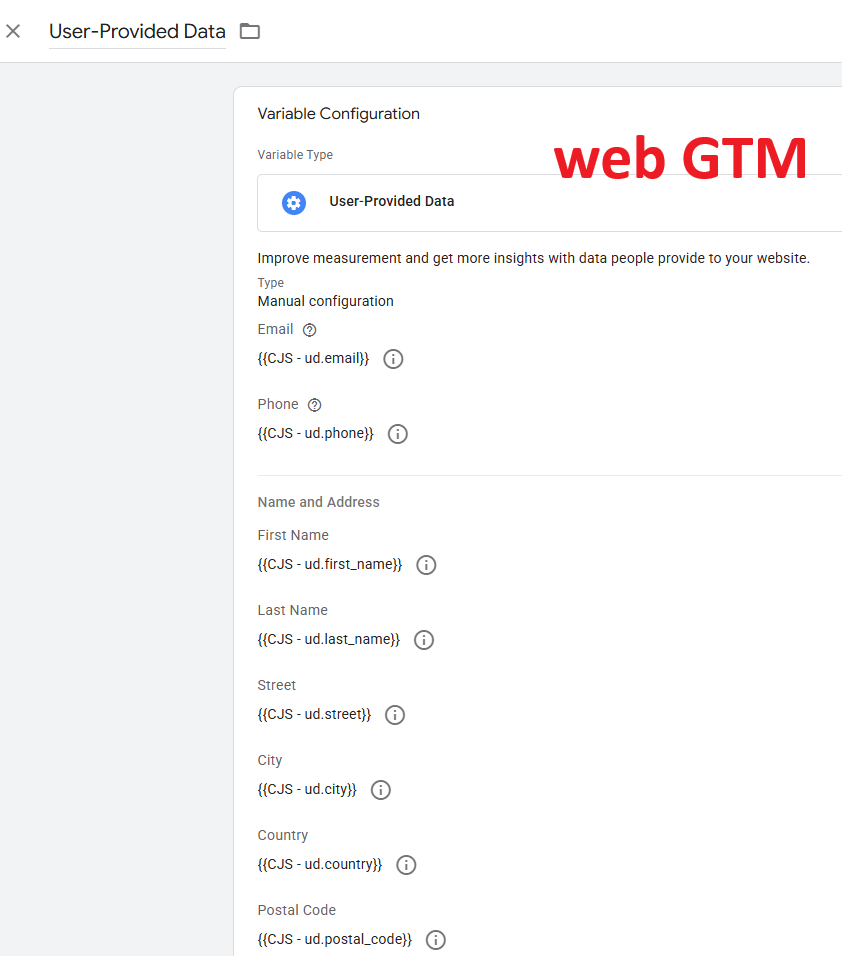
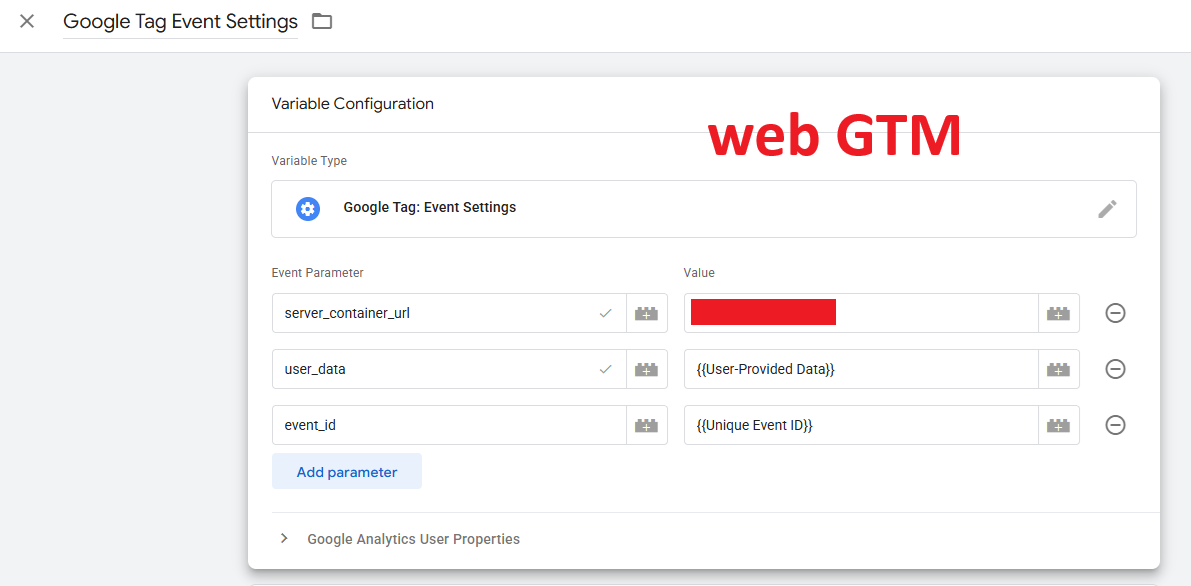
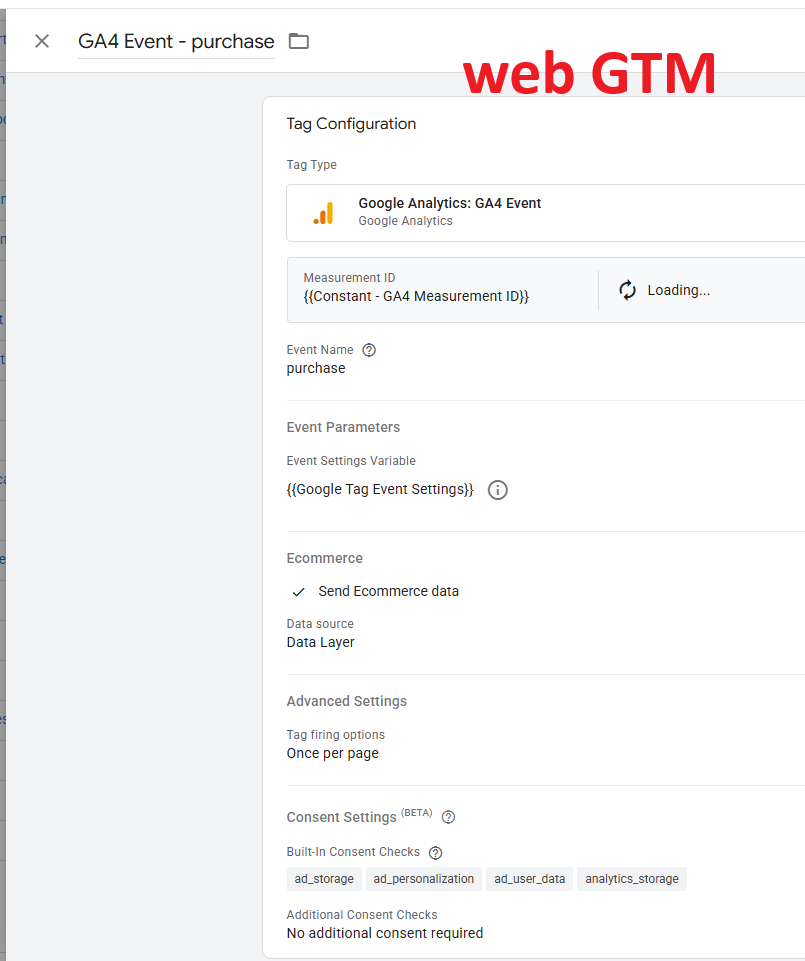
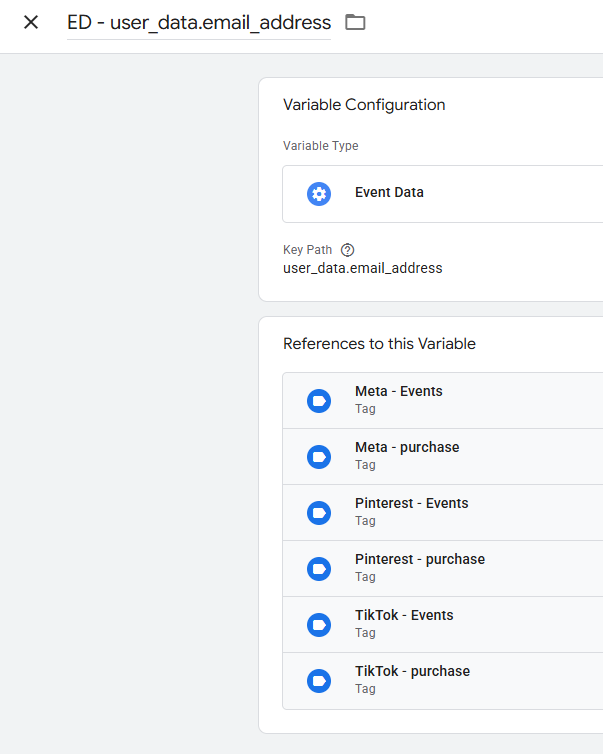
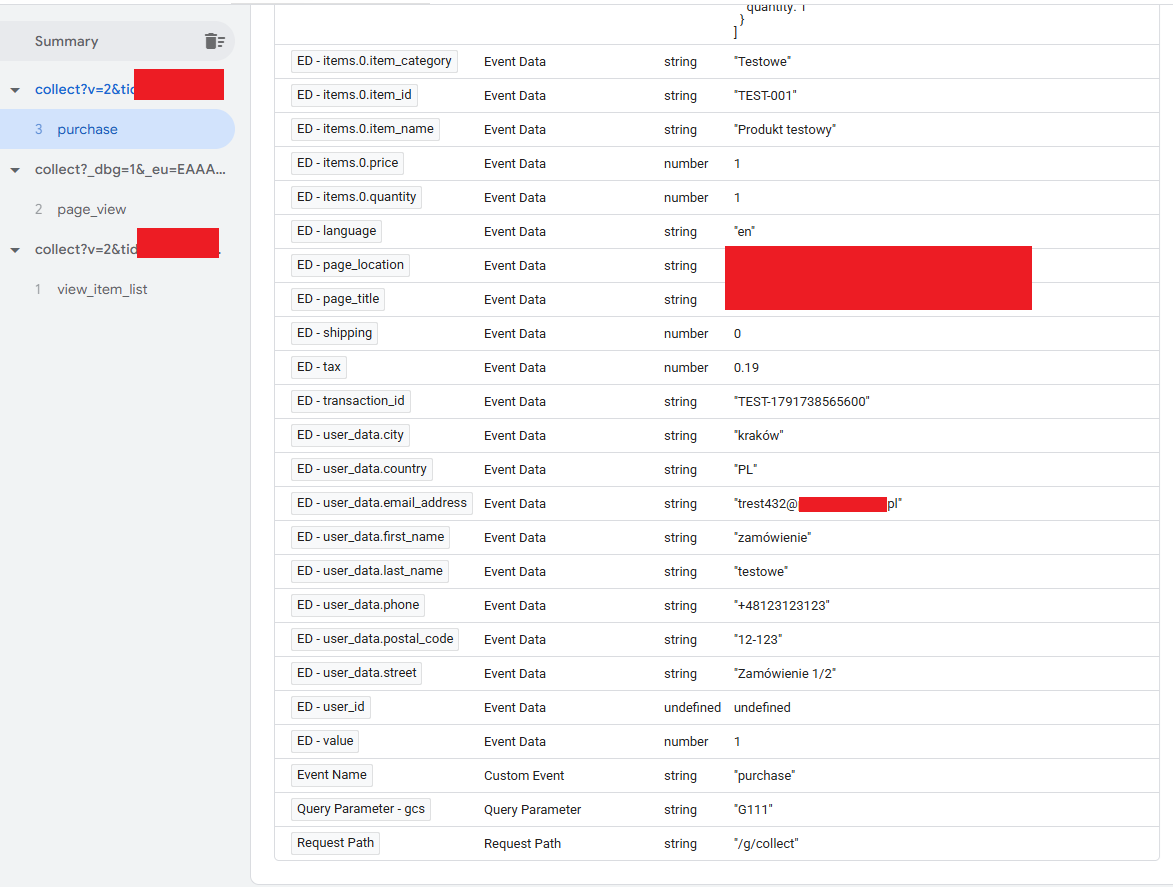
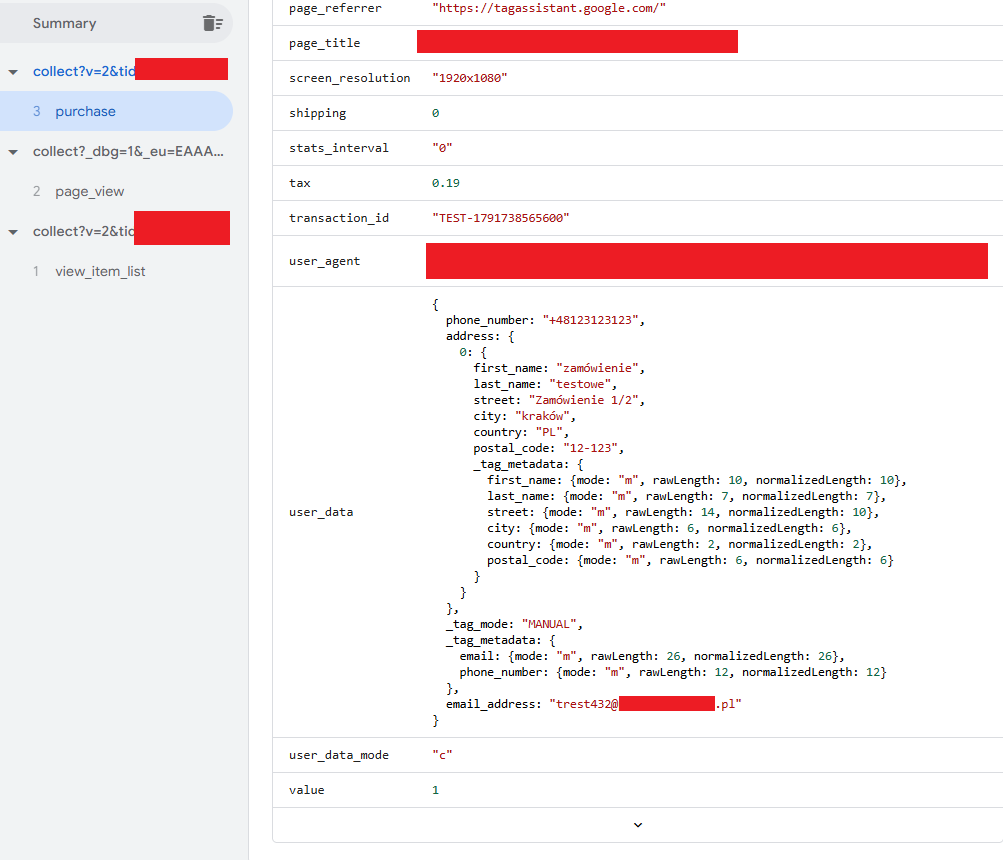
I’m running a server-side GTM container on Stape with the GA4 client. User data is sent from web GTM via the Google tag using manual user-provided data (_tag_mode: "MANUAL"). In sGTM preview, the purchase event contains user_data.email_address with the correct value. An Event Data variable with Key Path user_data.email_address also shows the correct email in the Variables tab.
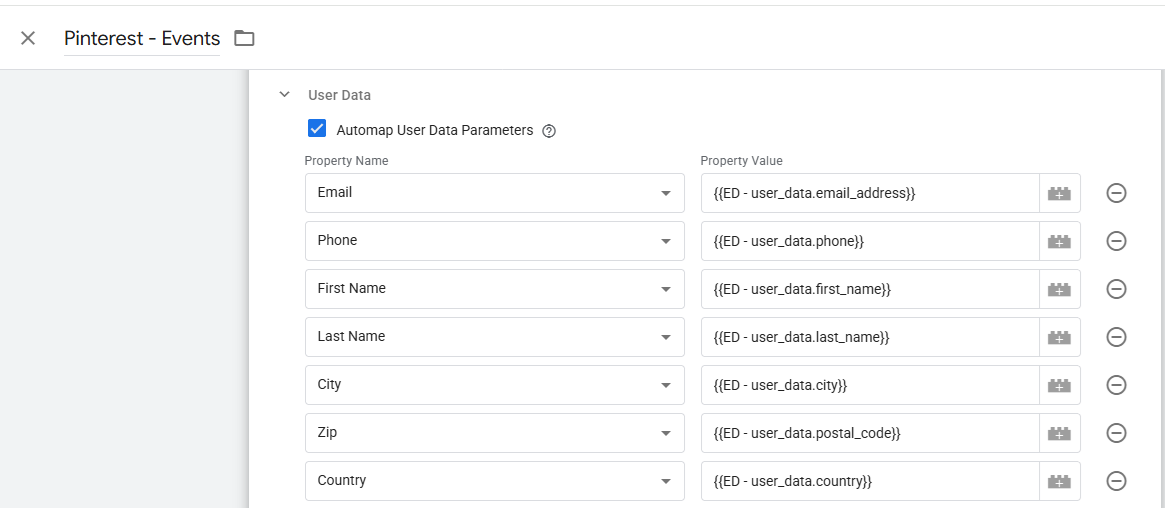
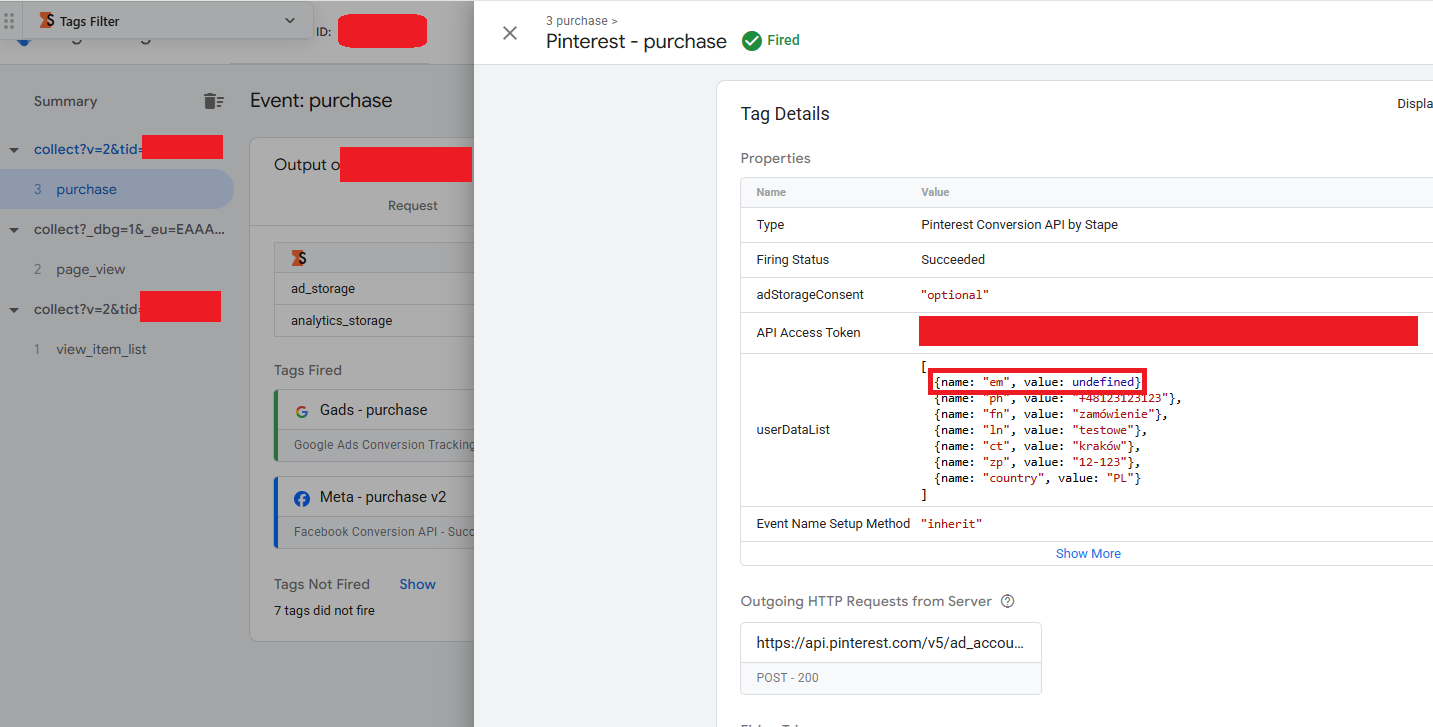
However, in the Pinterest Conversion API, TikTok Events API and Meta CAPI tags (Stape templates), the Email field resolves to undefined. All other user_data fields come through correctly using the same kind of Event Data variables: phone, first name, last name, city and postal code. A hardcoded email in the tag field is sent correctly.
Has anyone seen email from the Google tag’s user-provided data being unavailable to non-Google templates at tag runtime? Is there a workaround other than sending the email as a separate event parameter?
In the incoming request /g/collect the value of user_data.email_address is read by the client and displayed in the Variables or Event Data tab during the preview. However, when tags are executed, the GA4 Client blocks the transmission of the raw email address to non-Google tags (such as Pinterest, Meta CAPI or TikTok), which is why the field is evaluated as undefined
For marketing platforms, we always recommend using the Data Tag ( Data Tag | Stape ) as a transport to the server container, and the Data Client ( Data Client | Stape ) to receive these hits and send them to marketing platforms.
Alternatively, you can create a custom field for email in the web GA4 tag and pass it to the server.
I was wrong in my initial statement. The test showed that the email remains accessible in user_data.email_address and is passed correctly to non-Google tags.
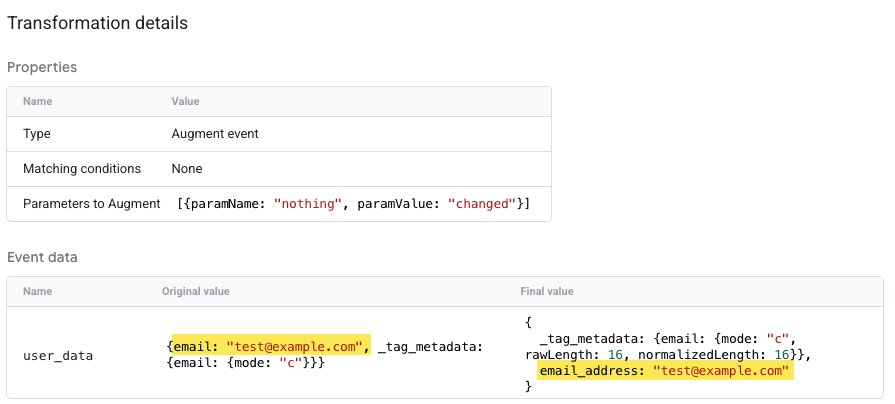
Perhaps you have some sort of transformation in place that removes this variable.
However, I still recommend that you use Data Tag/Data Client to send data to the server for non-Google platforms. And GA4 tags/GA4 Client exclusively for Google platforms.