Big thx Alex!
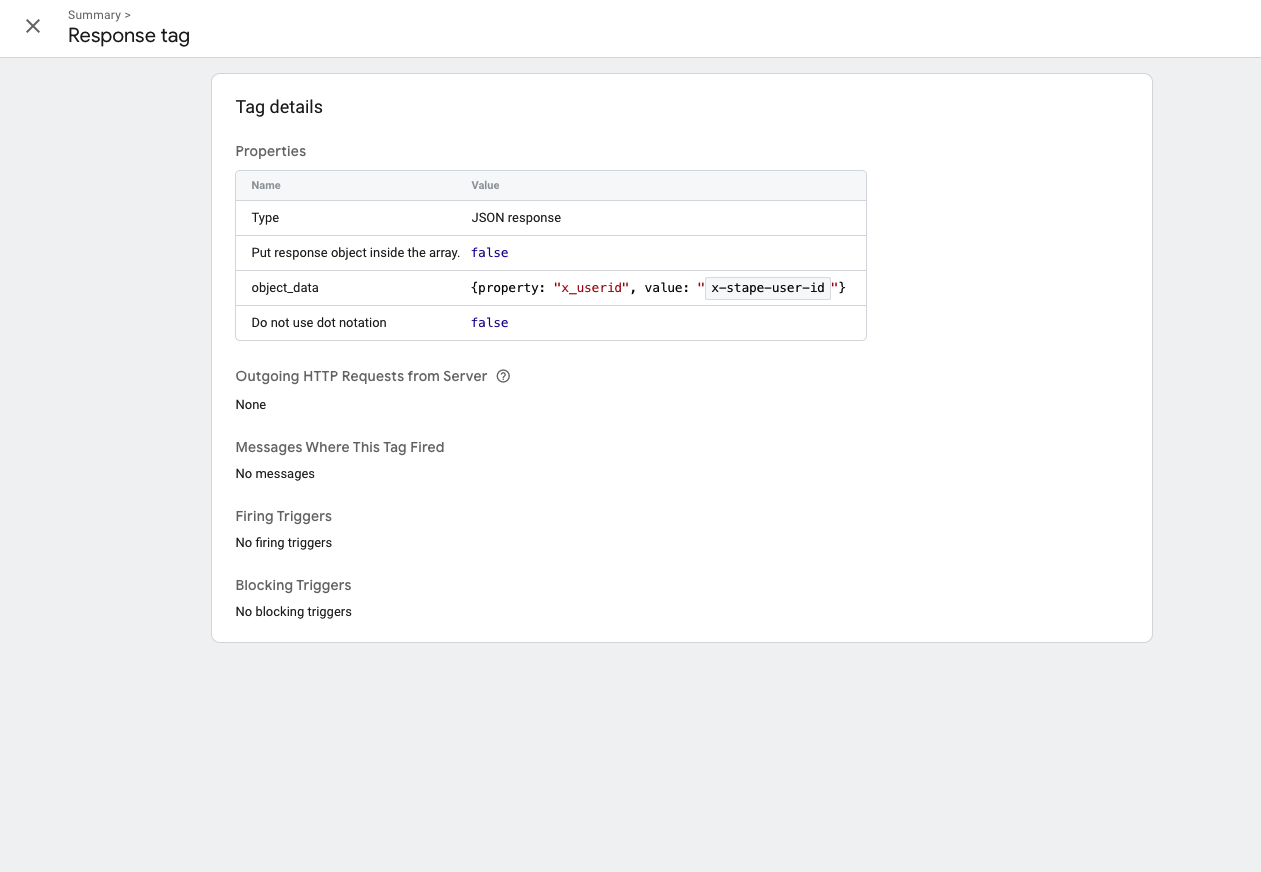
Just checked your vid - i have exact the same setup. However, my json tag never triggers. Maybe there can be any error which i can check in the logs somewhere or?
Big thx Alex!
Just checked your vid - i have exact the same setup. However, my json tag never triggers. Maybe there can be any error which i can check in the logs somewhere or?
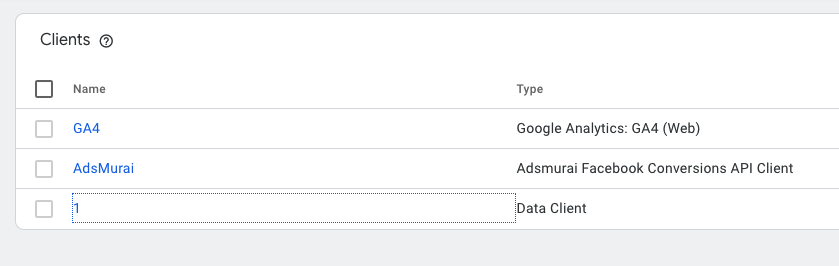
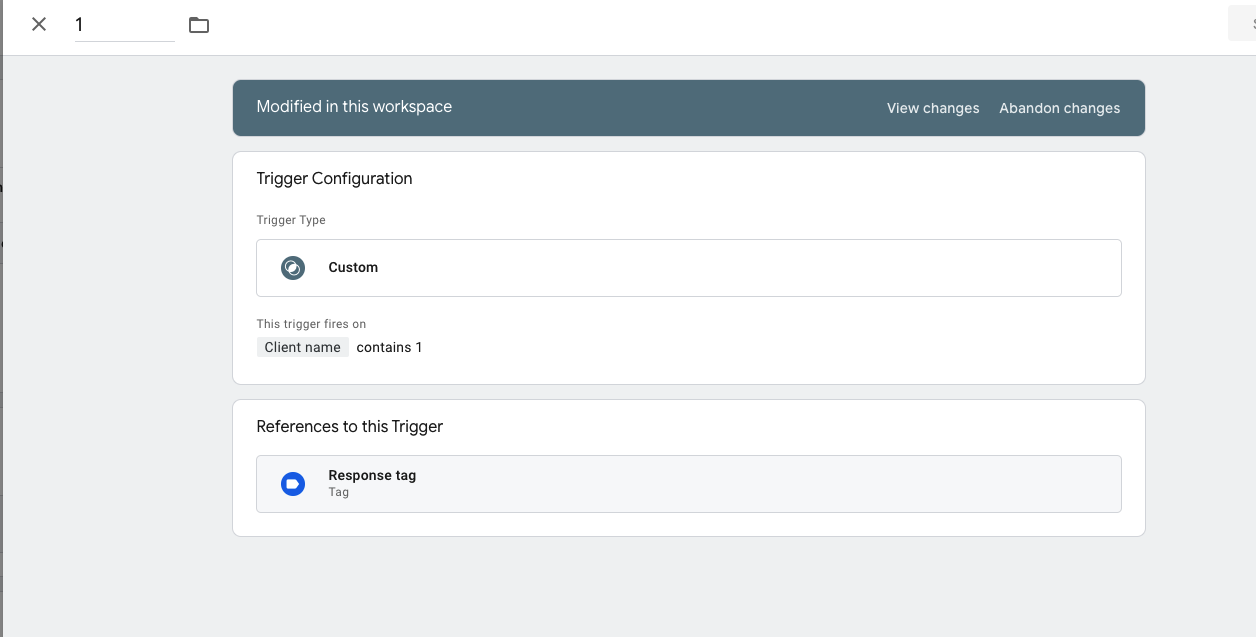
The only reason why the tag may not trigger is a problem with the trigger, you need to check that. Maybe you have a typo in the client name or something like that.
Try uninstalling Data Client (including in temelpaths) and reinstalling it from GitHub: GitHub - stape-io/data-client: Data Client for Google Tag Manager Server Side
Also, for tests, try removing the Adsamurai client, maybe there are some conflicts there.
This is a local configuration issue on your container. You should try different options for experiments - old screenshots show that for some reason Data Client doesn’t process requests at all, that’s why your tag doesn’t work.
@Alex If I use only the data tag and client tag, will that be enough? Or do I need to use something else like Google Cloud, firestore?
Data Tag and Data Client are self-sufficient solutions for transferring the data from web GTM to sGTM. They can be used for any marketing platform which supports server-side tracking. The only exception is GA4 tracking, we recommend using native GA4 web tag for transferring the data to sGTM GA4.
You can learn more here: Sending Data From the GTM Web Container to Server Container - Stape
But it works for the first page view event, not for other events.
That means you have some kind of configuration problem. It can work on any hit or event.
Can you make a Loom video to guide me through custom events like add_to_cart or purchase?